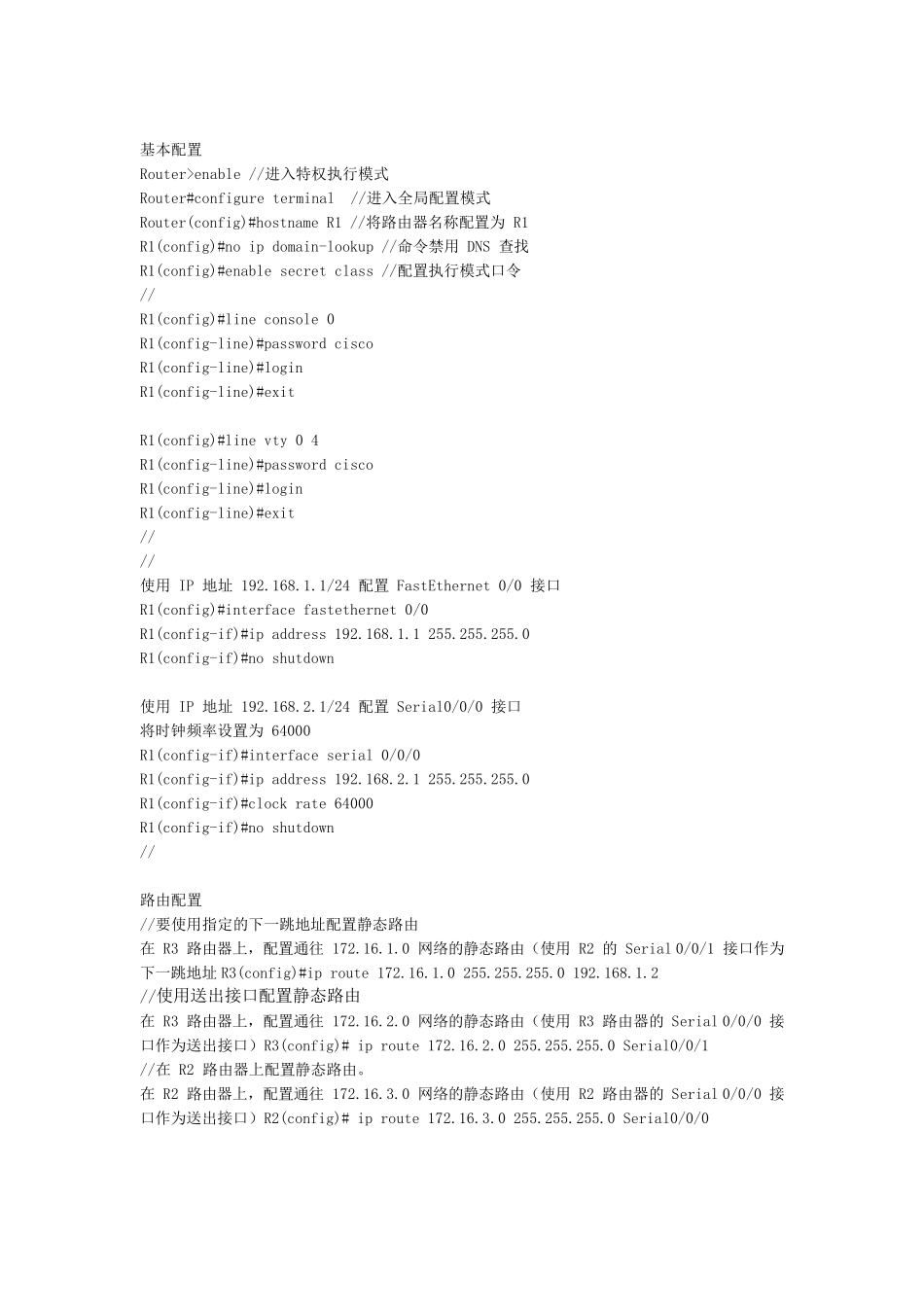
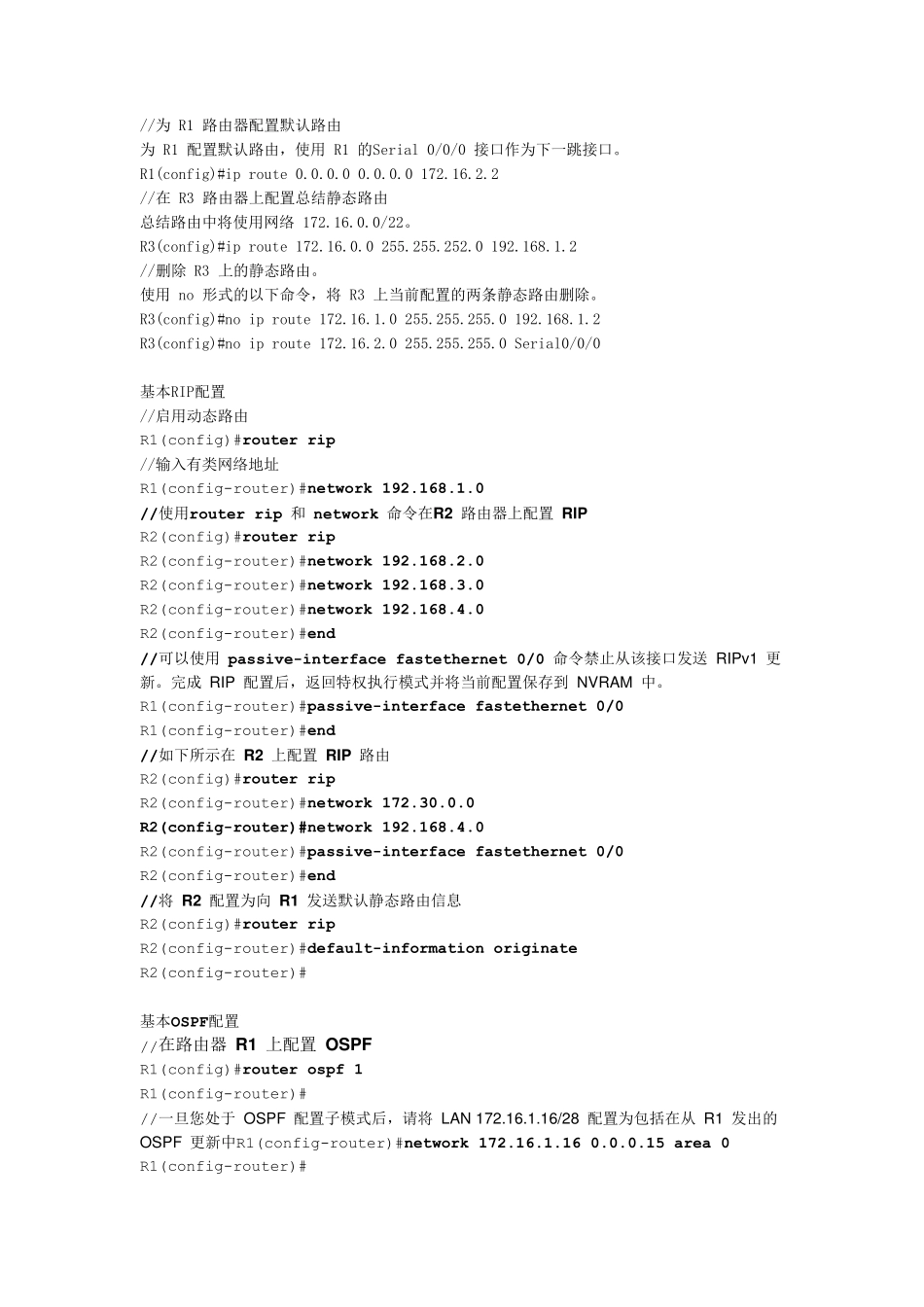
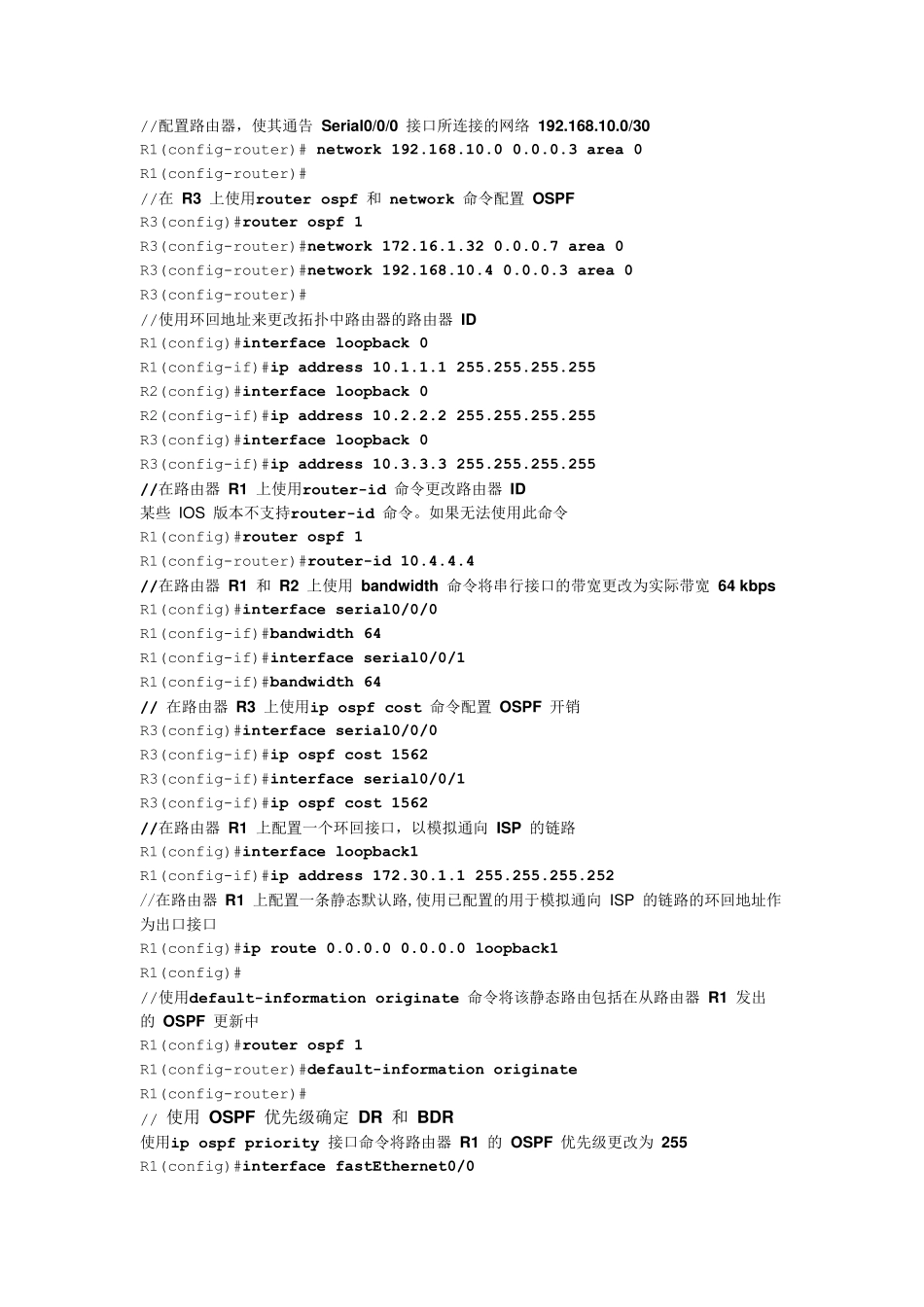
基本配置 Router>enable //进入特权执行模式 Router#configure terminal //进入全局配置模式 Router(config)#hostname R1 //将路由器名称配置为 R1 R1(config)#no ip domain-lookup //命令禁用 DNS 查找 R1(config)#enable secret class //配置执行模式口令 // R1(config)#line console 0 R1(config-line)#password cisco R1(config-line)#login R1(config-line)#exit R1(config)#line vty 0 4 R1(config-line)#password cisco R1(config-line)#login R1(config-line)#exit // // 使用 IP 地址 192
1/24 配置 FastEthernet 0/0 接口 R1(config)#interface fastethernet 0/0 R1(config-if)#ip address 192
0 R1(config-if)#no shutdown 使用 IP 地址 192
1/24 配置 Serial0/0/0 接口 将时钟频率设置为 64000 R1(config-if)#interface serial 0/0/0 R1(config-if)#ip address 192
0 R1(config-if)#clock rate 64000 R1(config-if)#no shutdown // 路由配置 //要使用指定的下一跳地址配置静态路由 在 R3