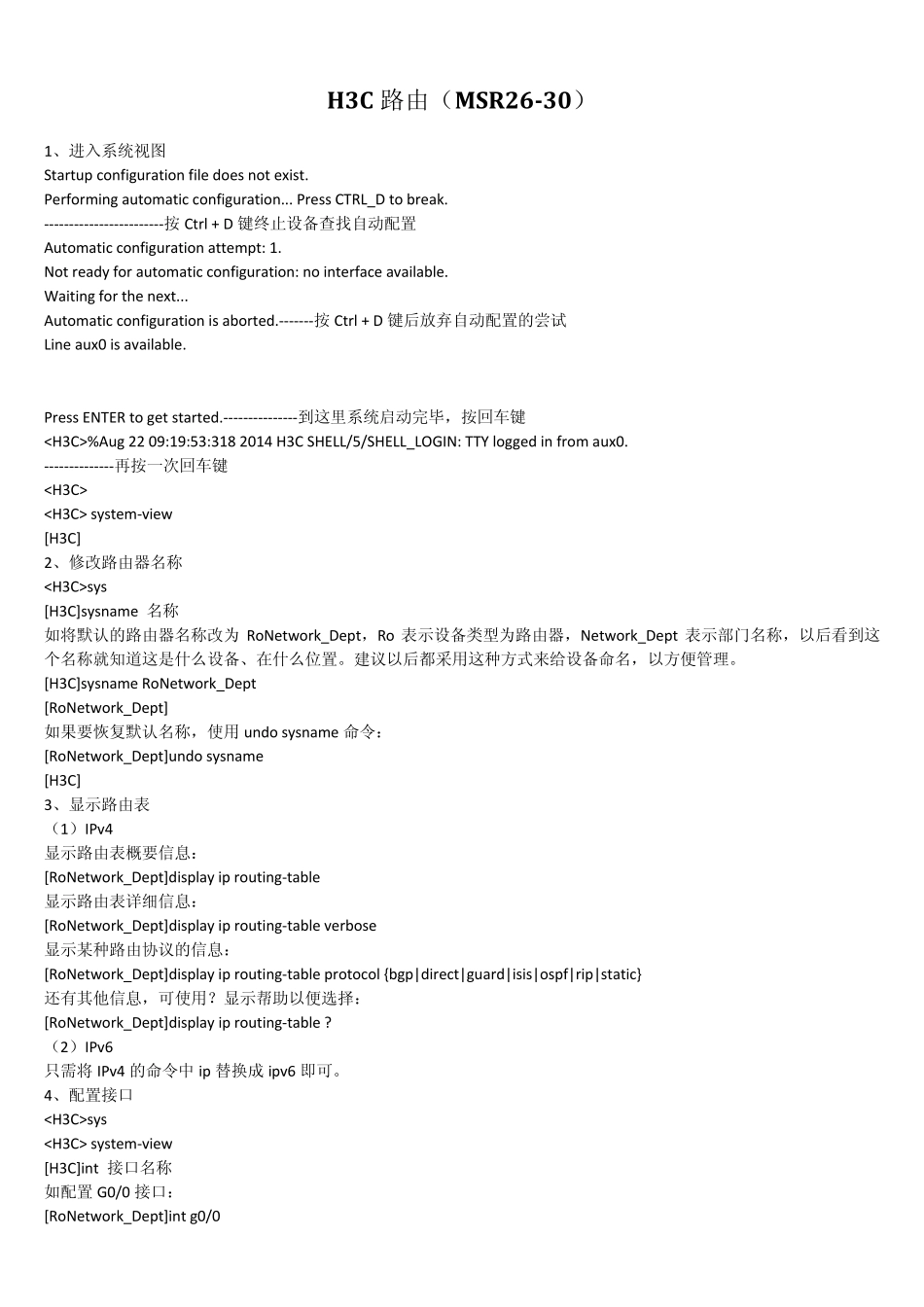
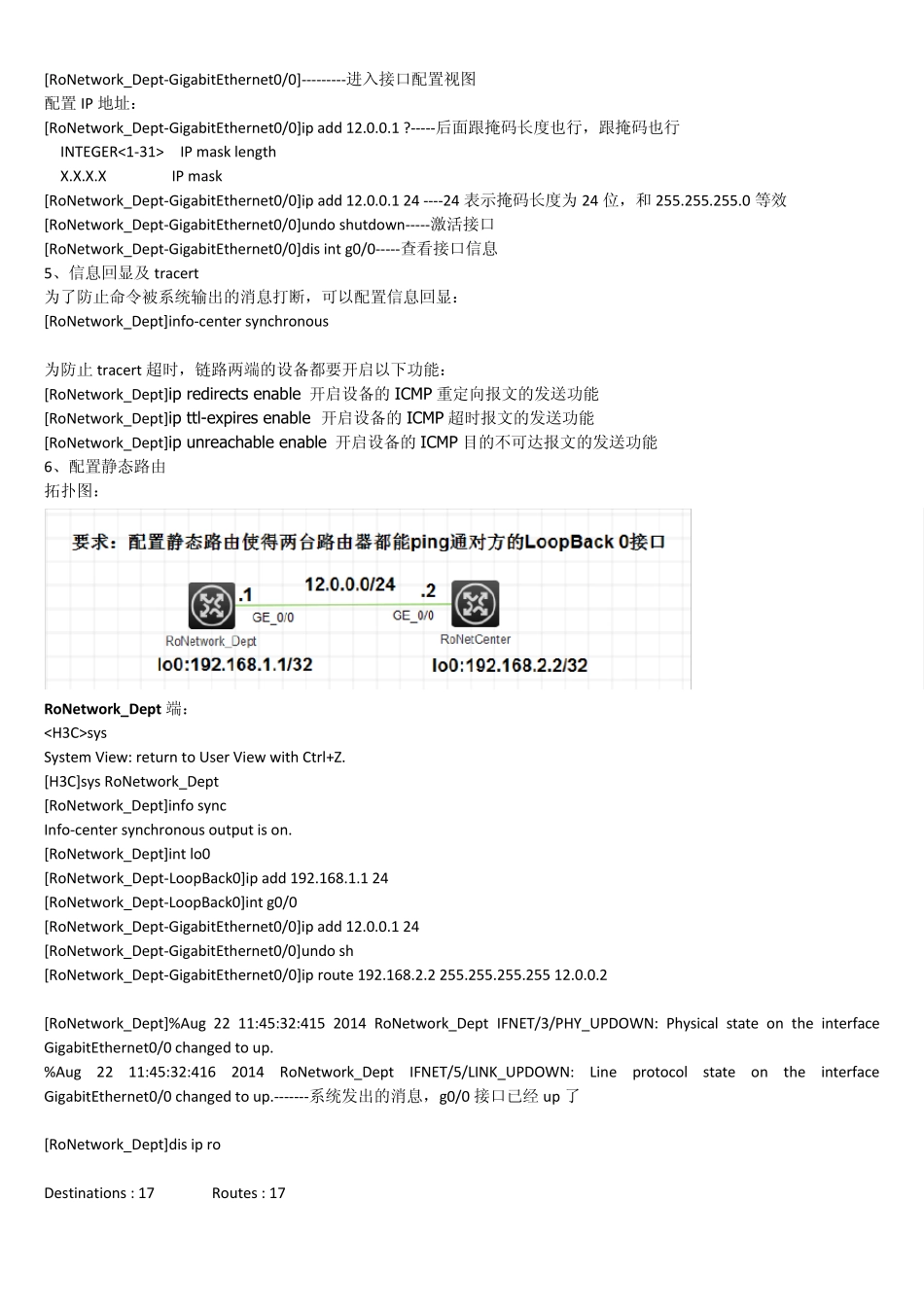
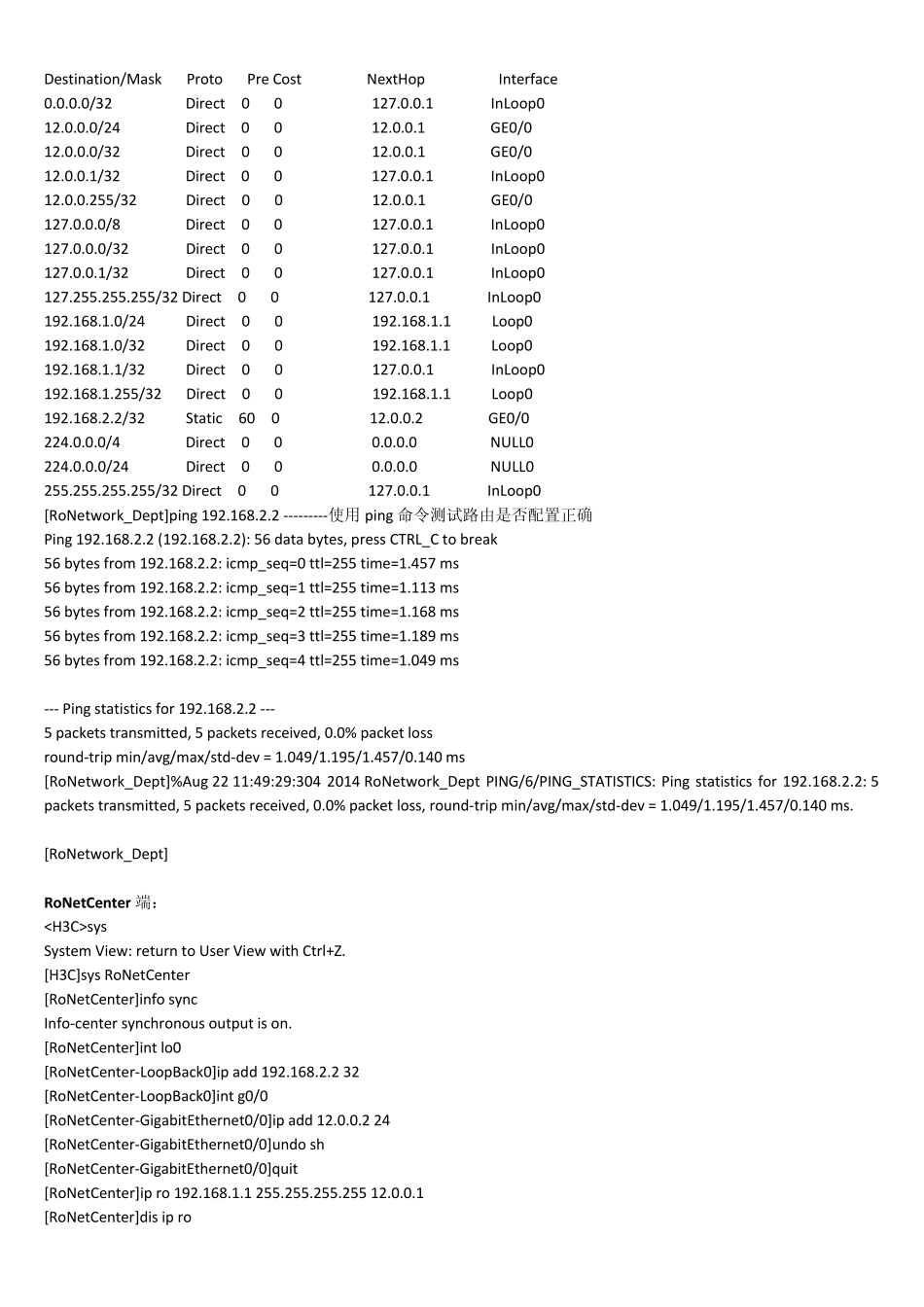
H3C 路由(MSR26-30) 1、进入系统视图 Startup configuration file does not exist
Performing automatic configuration
Press CTRL_D to break
------------------------按 Ctrl + D 键终止设备查找自动配置 Automatic configuration attempt: 1
Not ready for automatic configuration: no interface available
Waiting for the next
Automatic configuration is aborted
-------按 Ctrl + D 键后放弃自动配置的尝试 Line aux0 is available
Press ENTER to get started
---------------到这里系统启动完毕,按回车键 %Aug 22 09:19:53:318 2014 H3C SHELL/5/SHELL_LOGIN: TTY logged in from aux0
--------------再按一次回车键 system-view [H3C] 2、修改路由器名称 sys [H3C]sysname 名称 如将默认的路由器名称改为 RoNetwork_Dept,Ro 表示设备类型为路由器,Network_Dept 表示部门名称,以后看到这个名称就知道这是什么设备、在什么位置
建议以后都采用这种方式来给设备命名,以方便管理
[H3C]sysname RoNetwork_Dept [RoNetwork_Dept] 如果要恢复默认名称,使用 undo sysname 命令: [RoNetwork_Dept]undo s