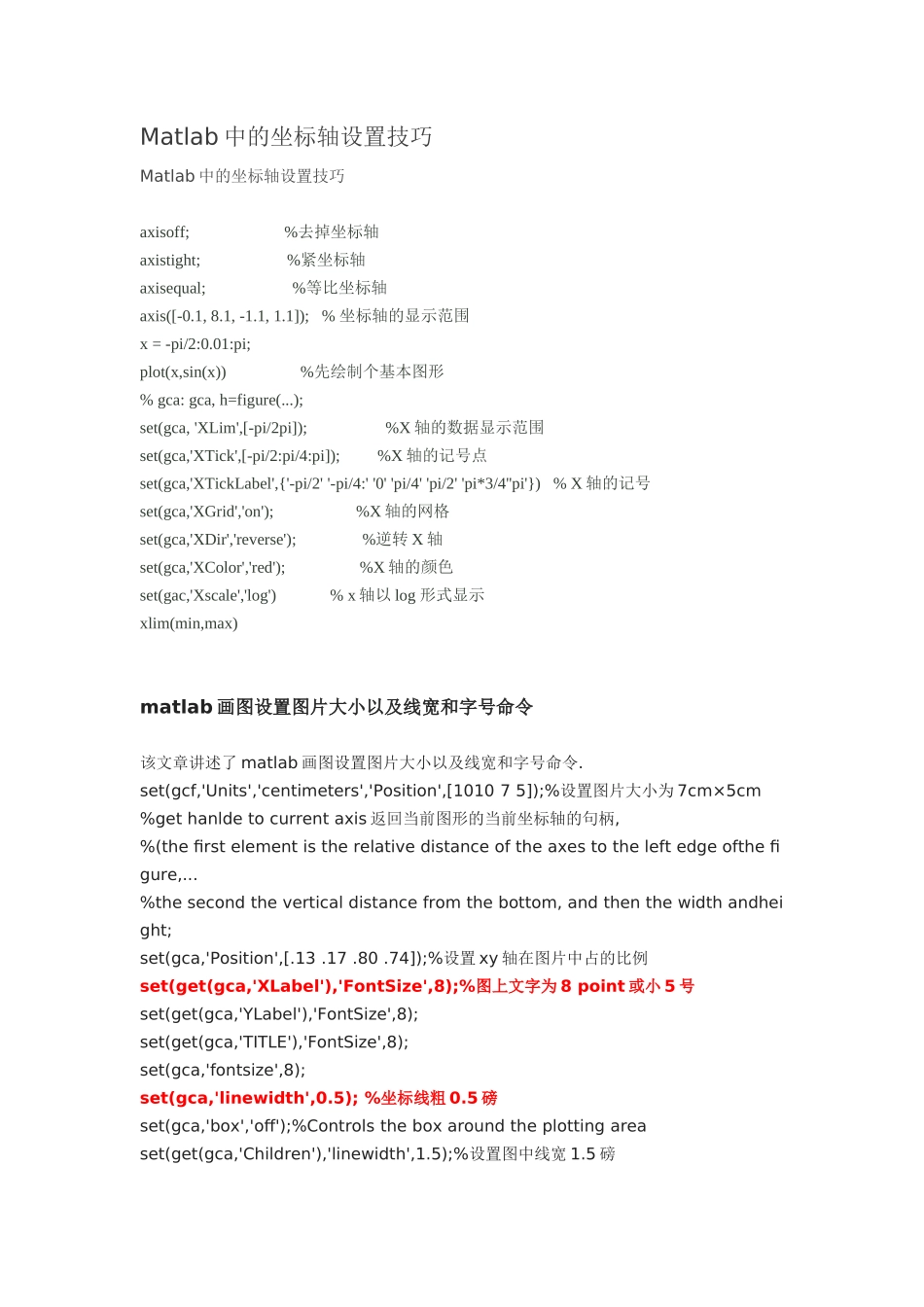
Matlab 中的坐标轴设置技巧Matlab 中的坐标轴设置技巧axisoff; %去掉坐标轴axistight; %紧坐标轴axisequal; %等比坐标轴axis([-0
1]); % 坐标轴的显示范围x = -pi/2:0
01:pi; plot(x,sin(x)) %先绘制个基本图形% gca: gca, h=figure(
);set(gca, 'XLim',[-pi/2pi]); %X 轴的数据显示范围set(gca,'XTick',[-pi/2:pi/4:pi]); %X 轴的记号点 set(gca,'XTickLabel',{'-pi/2' '-pi/4:' '0' 'pi/4' 'pi/2' 'pi*3/4''pi'}) % X 轴的记号set(gca,'XGrid','on'); %X 轴的网格set(gca,'XDir','reverse'); %逆转 X 轴set(gca,'XColor','red'); %X 轴的颜色set(gac,'Xscale','log') % x 轴以 log 形式显示xlim(min,max)matlab 画图设置图片大小以及线宽和字号命令 该文章讲述了 matlab 画图设置图片大小以及线宽和字号命令
set(gcf,'Units','centimeters','Position',[1010 7 5]);%设置图片大小为 7cm×5cm%get hanlde to current axis 返回当前图形的当前坐标轴的句柄,%(the first element is the relative distance of the axes to the left edge ofthe figure,
%the second the vertical distance from th