实验六 彩色图像的处理 一、实验目的 1、 掌握 matlab 中 RGB 图像与索引图像、灰度级图像之间转换函数
2、 了解 RGB 图像与不同颜色空间之间的转换
3、 掌握彩色图像的直方图处理方法
二、实验内容及步骤 1、RGB 图像与索引图像、灰度级图像的转换
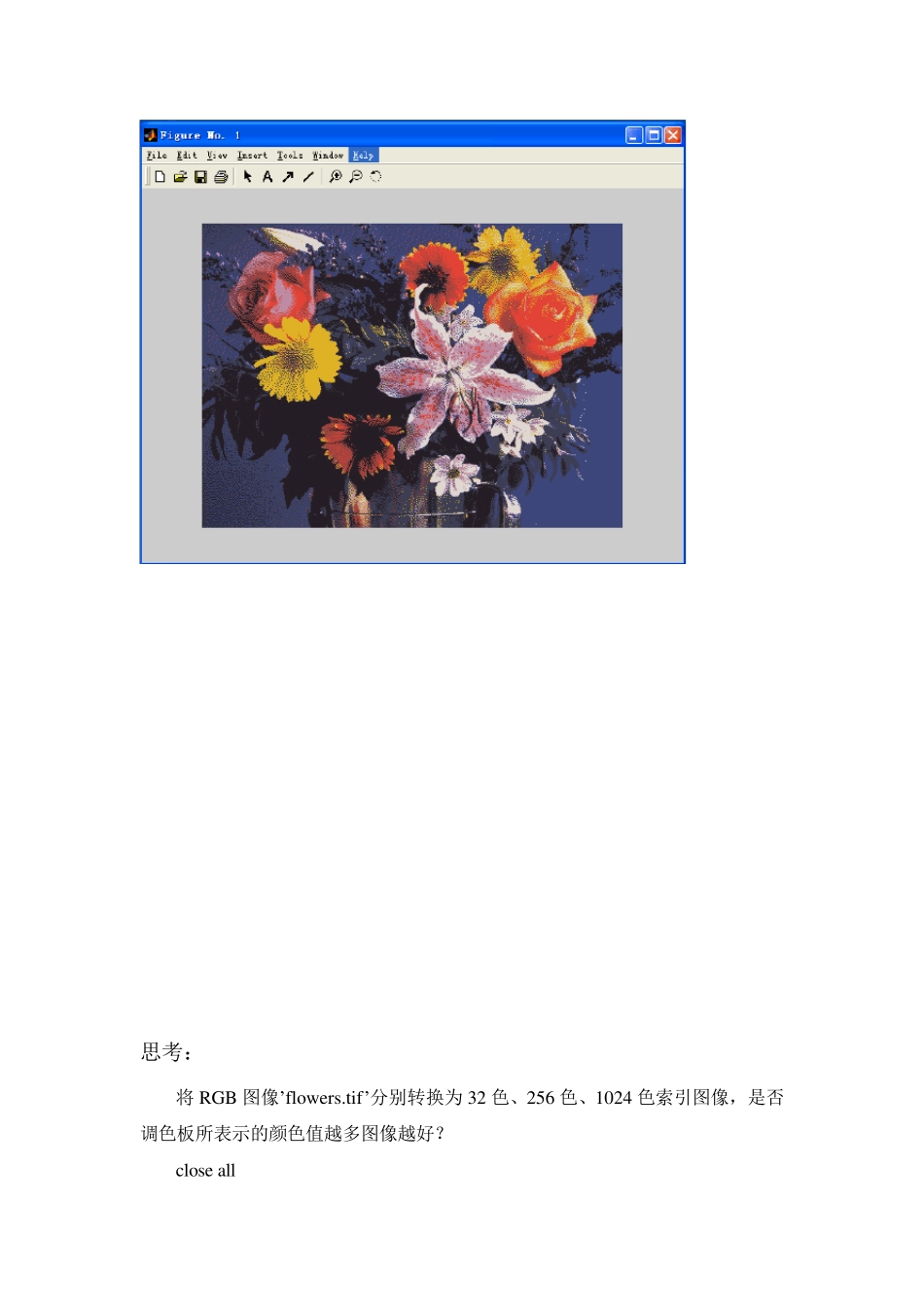
close all RGB=imread('flowers
tif'); [R_i,map]=rgb2ind(RGB,8);%RGB 图像转换为 8 色的索引图像 figure imshow(R_i,map) [R_g]=rgb2gray(RGB);%RGB 图像转换为灰度级图像 figure imshow(R_g) 思考: 将RGB 图像’flow ers
tif’分别转换为32 色、256 色、1024 色索引图像,是否调色板所表示的颜色值越多图像越好
close all RGB=imread('flow ers
tif'); [R_i1,map]=rgb2ind(RGB,8);%RGB 图像转换为8 色的索引图像 [R_i2,map]=rgb2ind(RGB,32);%RGB 图像转换为32 色的索引图像 [R_i3,map]=rgb2ind(RGB,256);%RGB 图像转换为256 色的索引图像 [R_i4,map]=rgb2ind(RGB,1024);%RGB 图像转换为1024 色的索引图像 Subplot(221);imshow (R_i1,map);title('8 色的索引图像'); Subplot(222);imshow (R_i2,map);title('32 色的索引图像'); Subplot(223);imshow (R_i3,map);title('256 色的索引图像'