ArcGIS 编辑操作的常用快捷键在 ArcMap 中,快捷键与一些编辑工具和命令相关联
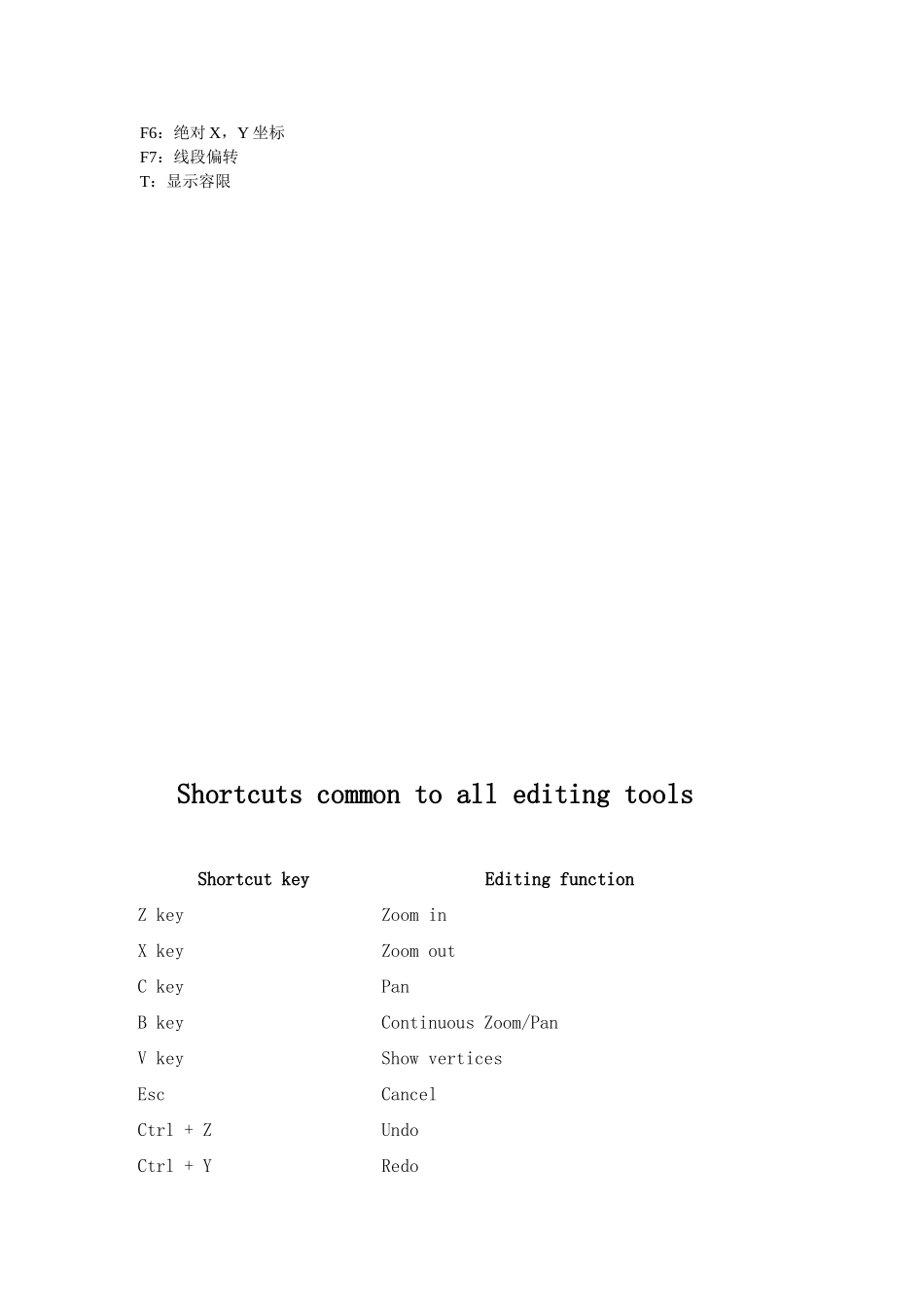
使用快捷键能使编辑工作更加快捷有效,总结如下:一、公共快捷键(对所有编辑工具有效):Z:放大X:缩小 C:漫游V:显示节点ESC:取消Ctrl+Z:撤销Ctrl+Y:重做SpaceBar:暂停捕捉二、编辑工具:Shift:添加至/取消选择Ctrl:移动选择锚N:下一个被选要素三、用于 Edit 工具的与注记相关的快捷键:E:在 Sketch 工具、Edit 工具和 Edit Annotation 工具间切换;四、Edit Annotation 工具:Shift:添加至/取消选择Ctrl:移动选择锚N:下一个被选要素 R:切换至旋转模式/从旋转模式切换F:切换至要素模式/从要素模式切换E:在 Sketch 工具、Edit 工具和 Edit Annotation 工具间切换L:在跟踪要素模式下将选中的注记要素旋转 180 度O:在跟踪要素模式下打开 Follow Feature Options 对话框Tab:在跟踪要素模式下对注记放置的位置进行左右边的切换P:在跟踪要素模式下对注记放置的角度进行平行和垂直方向的切换
五、Sketch 工具:Ctrl+A:方位Ctrl+F:偏转Ctrl+L:长度Ctrl+D:X,Y 增量Ctrl+G:方位/长度Ctrl+P:平行Ctrl+E:垂直Ctrl+T:切线Ctrl+Delete:删除草图F2:完成草图F6:绝对 X,Y 坐标F7:线段偏转T:显示容限Shortcuts common to all editing toolsShortcut keyEditing functionZ keyZoom inX keyZoom outC keyPanB keyContinuous Zoom/PanV keyShow verticesEscCancelCtrl