Oracle 更改数据文件、控制文件、redo 位置实验 一、 实验环境 操作系统:虚拟机 solaris 10 数据库:10g R2 数据库环境:
bash_profile ORACLE_SID=orcl ORACLE_BASE=/u01 ORACLE_HOME=$ORACLE_BASE/oracle PATH=$ORACLE_HOME/bin:$PATH 原数据文件位置:/u02/orcldata/orcl 包括: control01
ctl control03
ctl redo02
log sysaux01
dbf temp01
dbf users01
dbf control02
ctl redo01
log redo03
log system01
dbf undotbs01
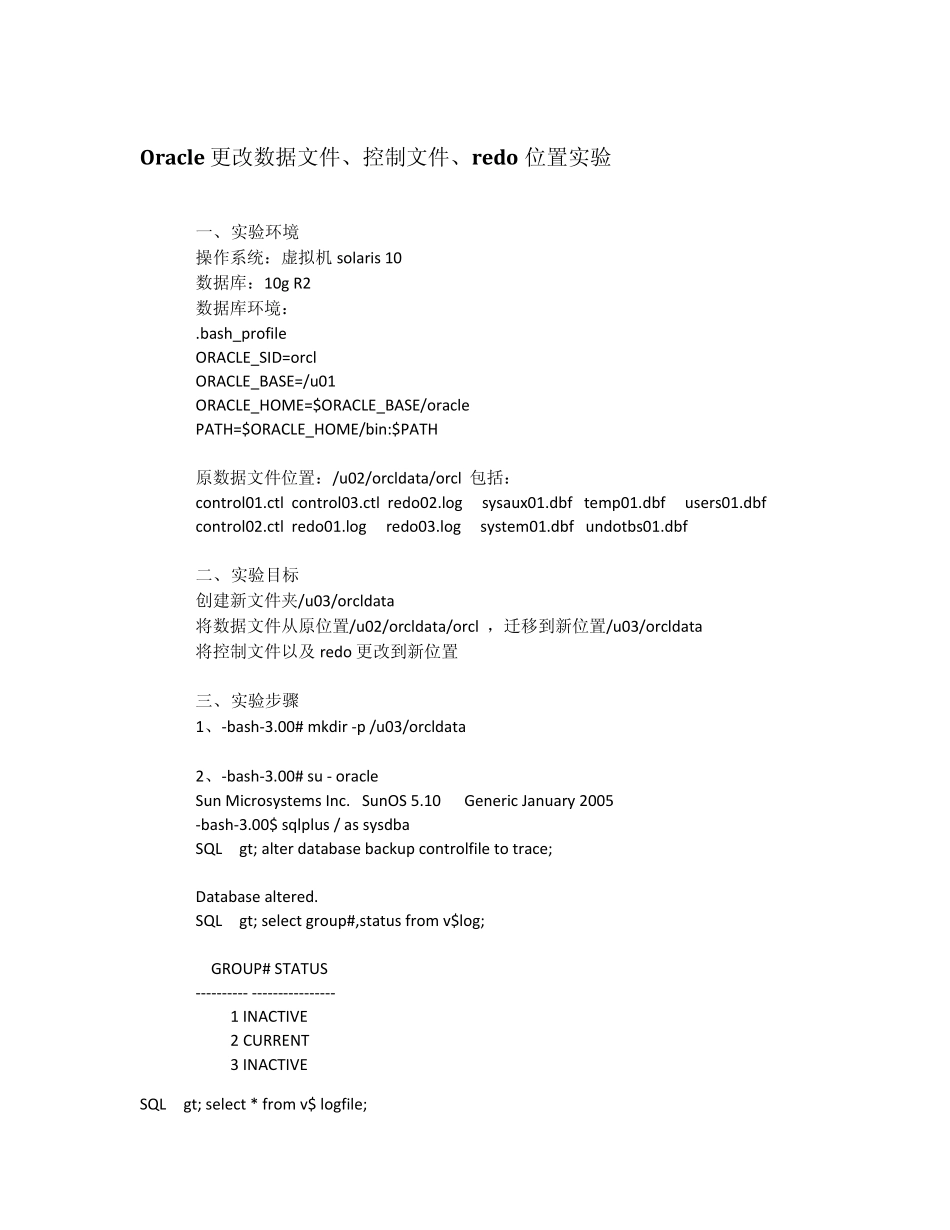
dbf 二、 实验目标 创建新文件夹/u03/orcldata 将数据文件从原位置/u02/orcldata/orcl ,迁移到新位置/u03/orcldata 将控制文件以及 redo 更改到新位置 三、 实验步骤 1、-bash-3
00# mkdir -p /u03/orcldata 2、-bash-3
00# su - oracle Sun Microsystems Inc
SunOS 5
10 Generic January 2005 -bash-3
00$ sqlplus / as sysdba SQL> alter database backup controlfile to trace; Database altered
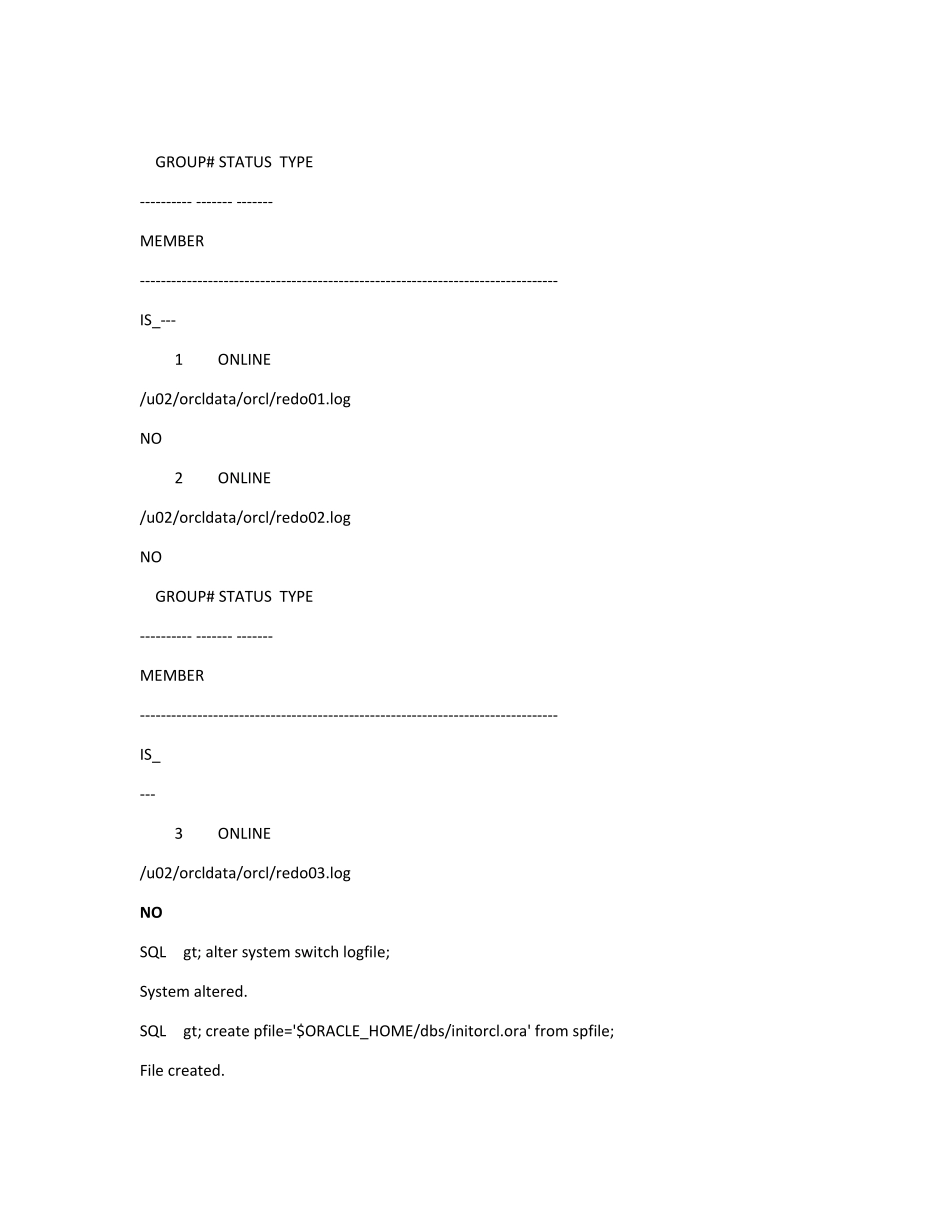
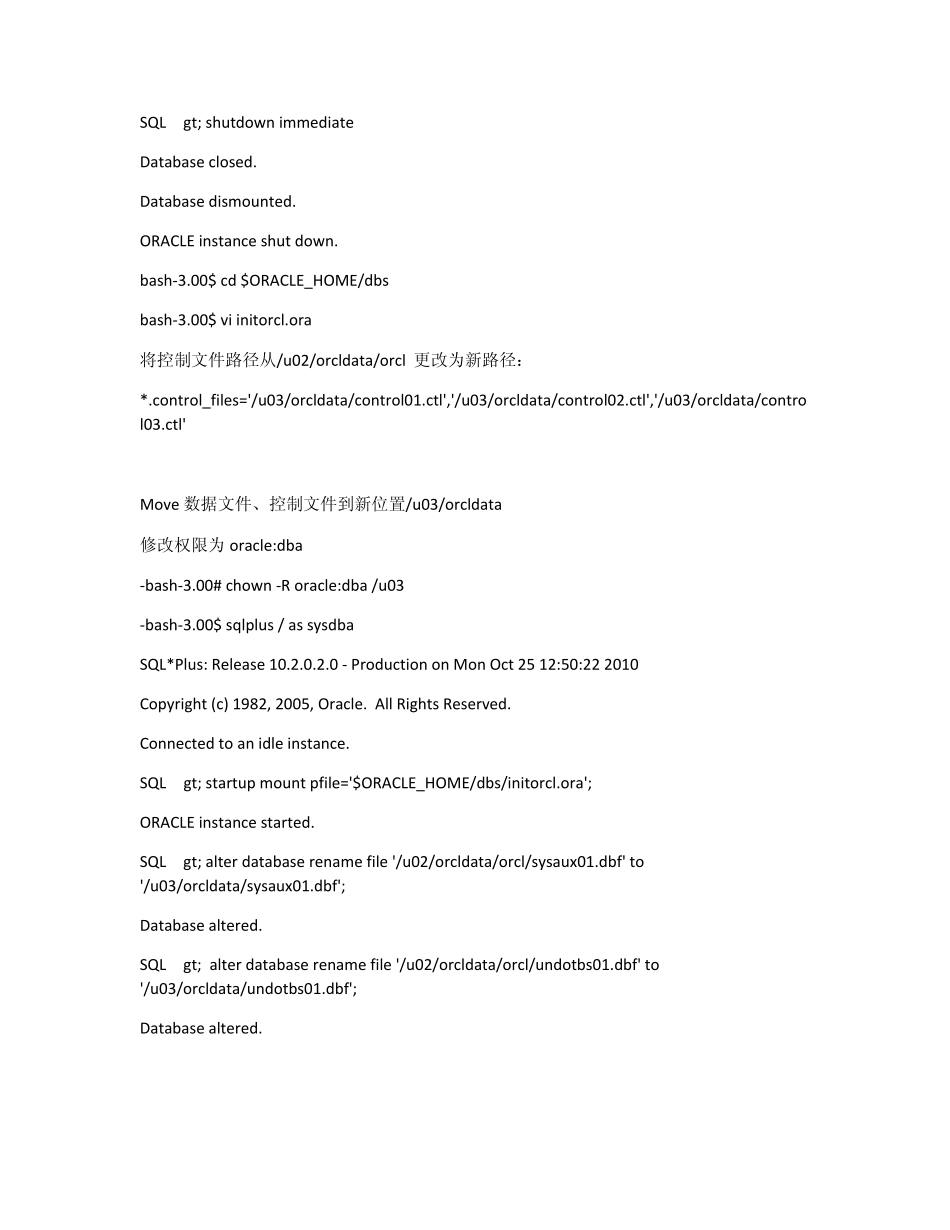
SQL> select group#,status from v$log; GROUP# STATUS ---------- ---------------- 1 INACTIVE 2 CURRENT 3 INACTIVE SQL> select * fr