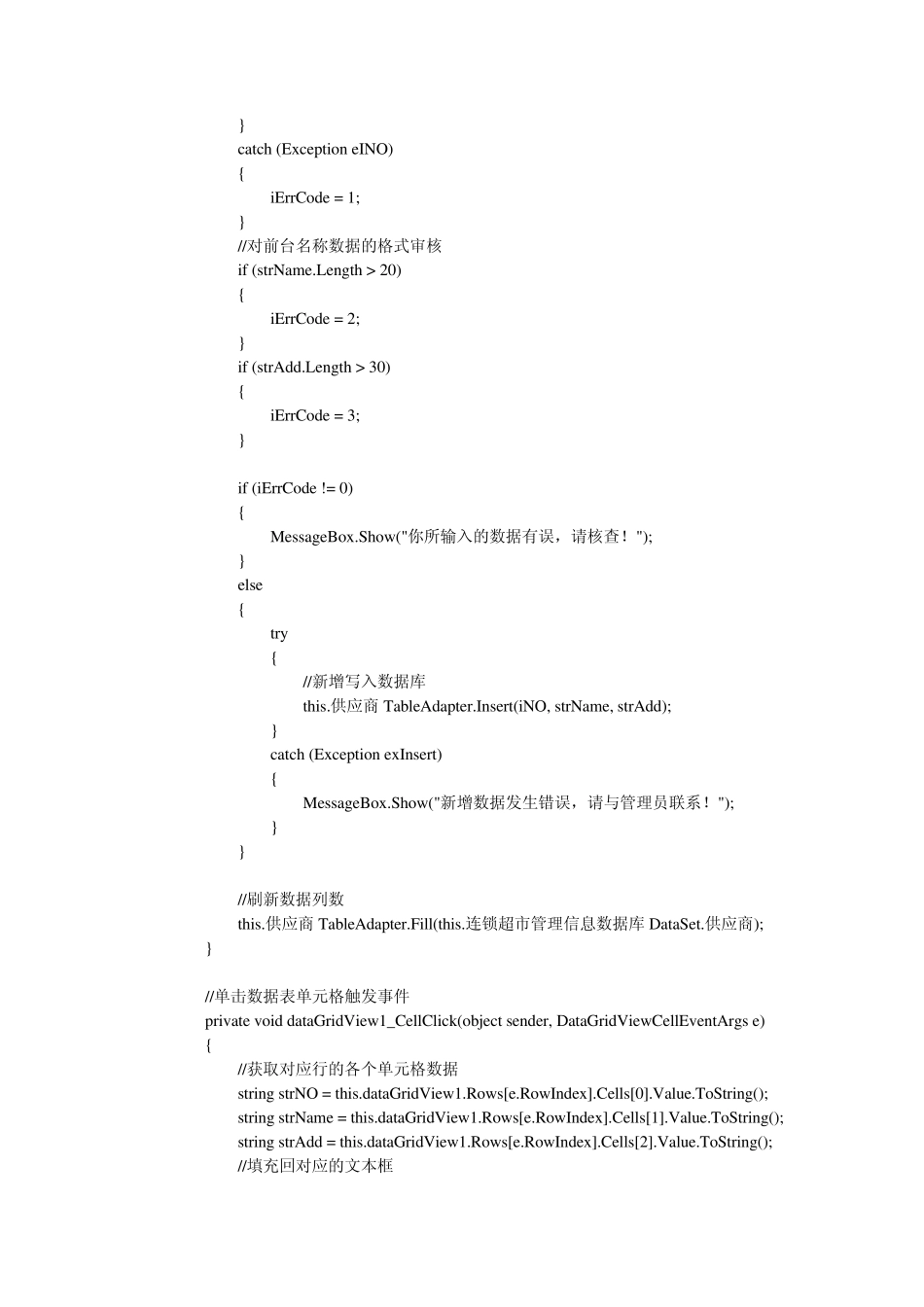
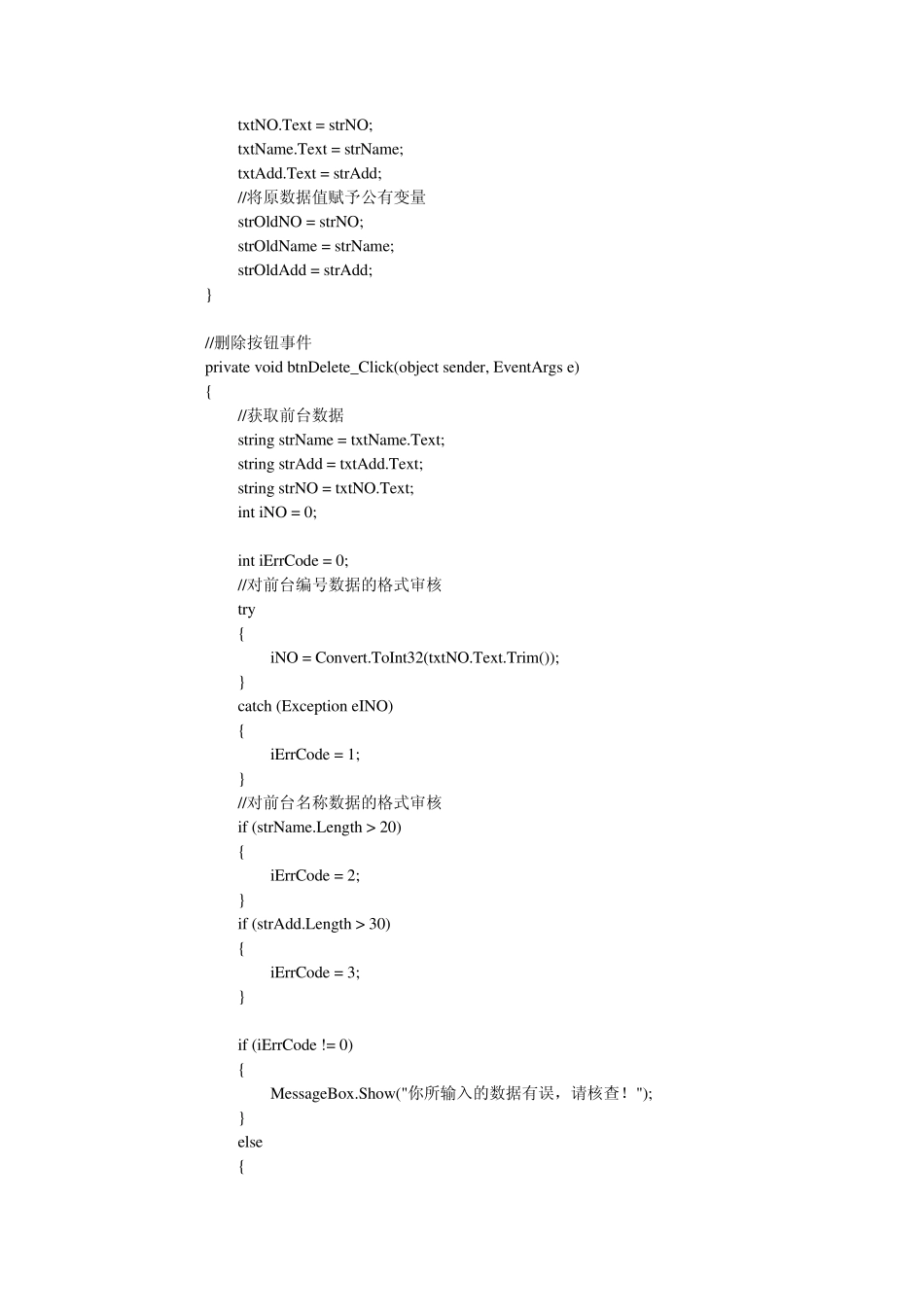
using System; using System
Collections
Generic; using System
ComponentModel; using System
Data; using System
Drawing; using System
Text; using System
Windows
Forms; namespace 超市管理信息系统 { public partial class f_供应商基本信息 : Form { //公有变量记录选定数据 public string strOldNO = ""; public string strOldName = ""; public string strOldAdd = ""; public f_供应商基本信息() { InitializeComponent(); } private void f_供应商基本信息_Load(object sender, EventArgs e) { // TODO: 这行代码将数据加载到表“连锁超市管理信息数据库 DataSet
您可以根据需要移动或移除它
供应商TableAdapter
Fill(this
连锁超市管理信息数据库 DataSet
供应商); } //新增数据单击事件 private void btnInsert_Click(object sender, EventArgs e) { //获取前台数据 string strName = txtName
Text; string strAdd = txtAdd
Text; string strNO = txtNO
Text; int iNO = 0; int iErrCode = 0; //对前台编号数据的格式审核 try { iNO = Convert
ToInt32(txtNO