VB-MSHFlexGrid 的使用直接将查询数据填入 MSHFLEXGRID:SubQueryFromSybasebyCon(Condition)WithQEvent‘ QEvent为 Form名称Con
OpenstrConnRemoters
CursorLocation=adUseClientrs
CursorType=adOpenKeysetOnErrorResumeNextRs
Open"select*where"&Condition&"orderbyevent_ts",Con,3,1‘Condition为 SQL查询条件
MSHFlexGrid1
Redraw=False‘重绘,可大大提高 Grid 的格式化后显示速度Set
MSHFlexGrid1
DataSourceRsSetRs=NothingSetCon=NothingEndWithEndSub2
设置MSHFlexGrid 的格式SubFormatFlexGrid()WithQEvent
MSHFlexGrid1If
Rows>1And
TextMatrix(1,1)""Then'SetColumnwidth
ColWidth(0)=3000'SetColumnheader
TextMatrix(0,0)="Test"‘设置对齐
ColAlignment(5)=flexAlignRightCenterEndIf‘设置整行的颜色
Redraw=False
ColSel=
Cols- 1
CellBackColor=RGB(254,216,209)
Redraw=TrueEndWithEndSub3
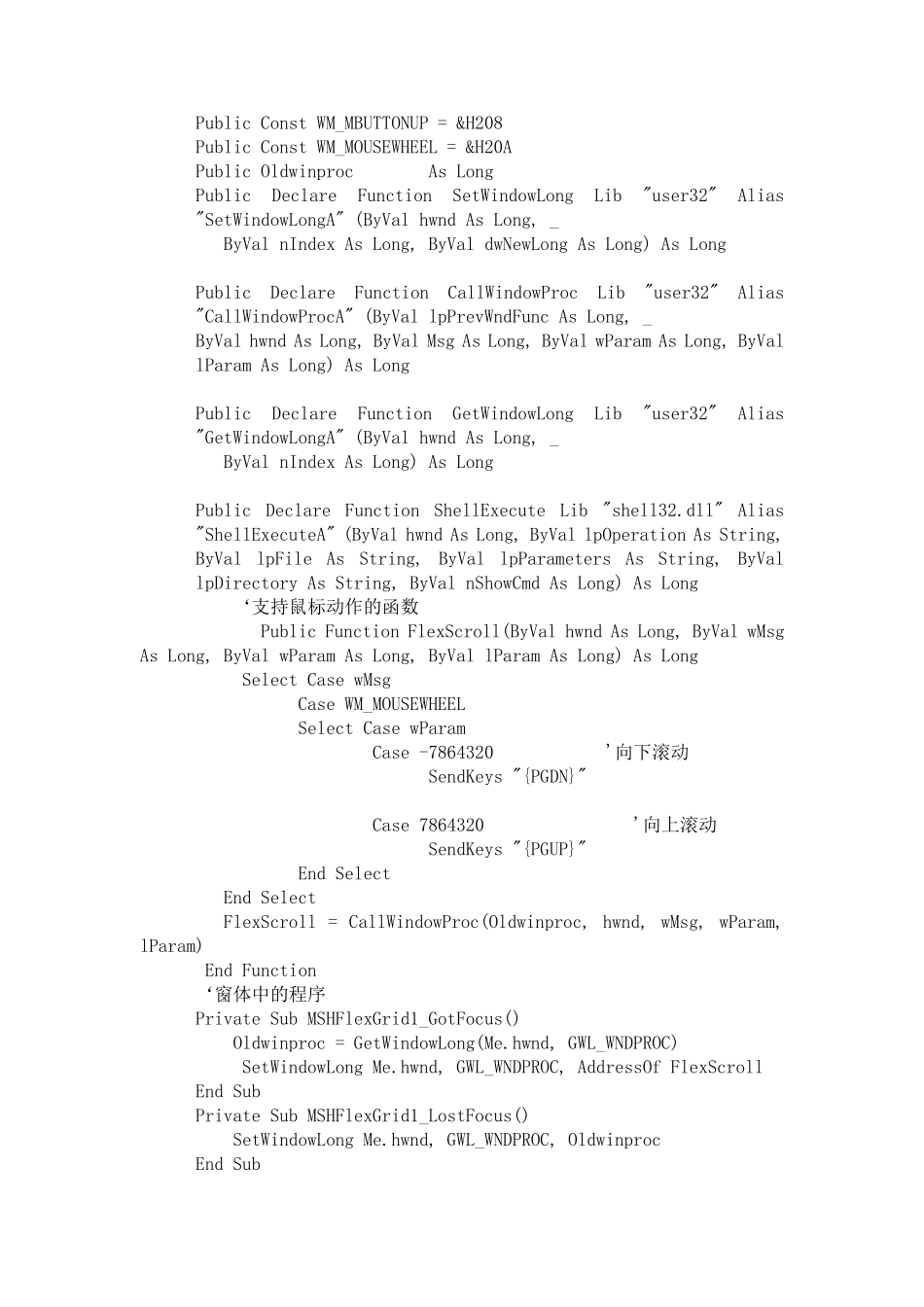
支持滚轮事件‘模块部分PublicCnAsNewADODB
ConnectionPublicConstGWL_WNDPROC=(-4)PublicConstWM_C