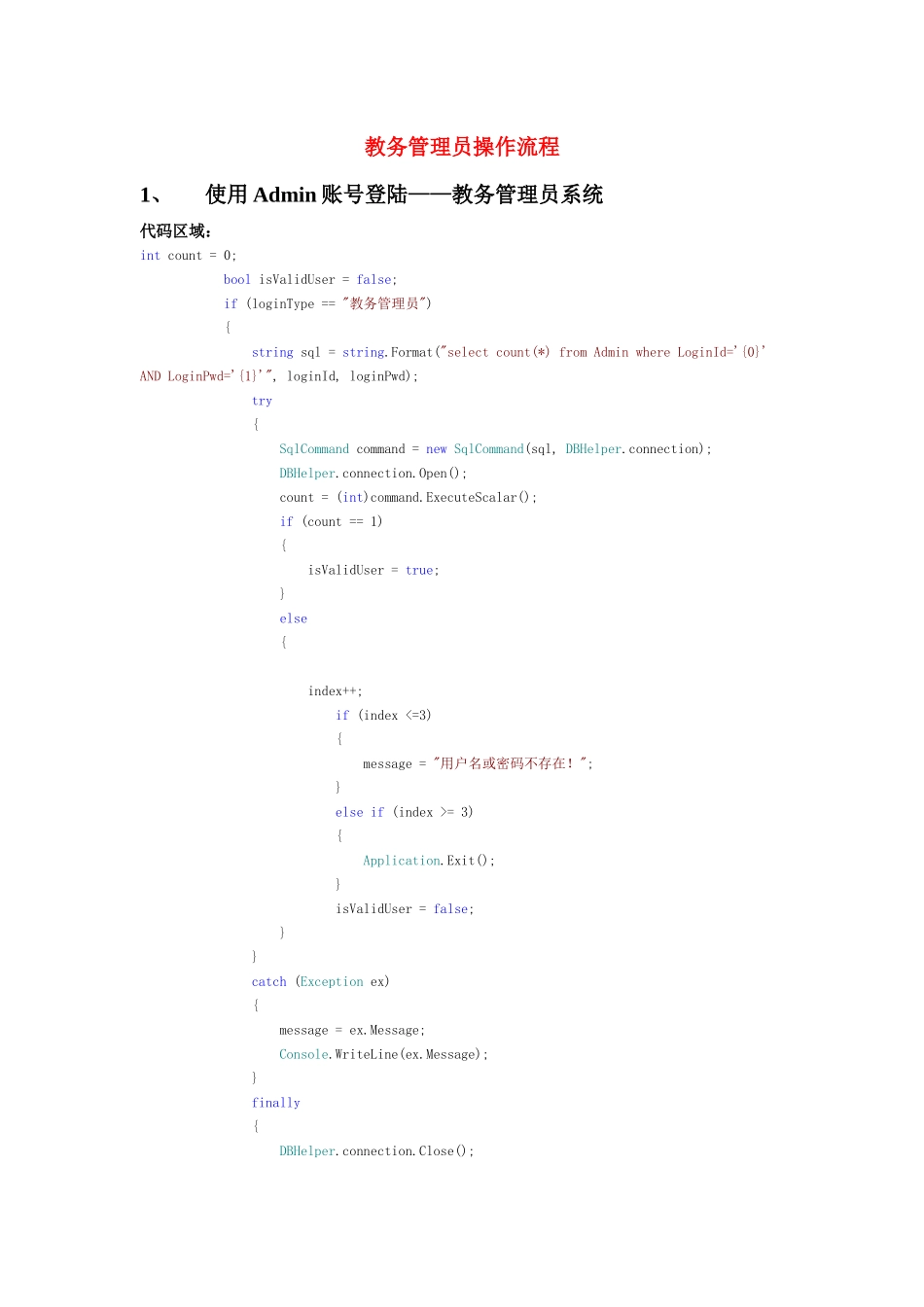
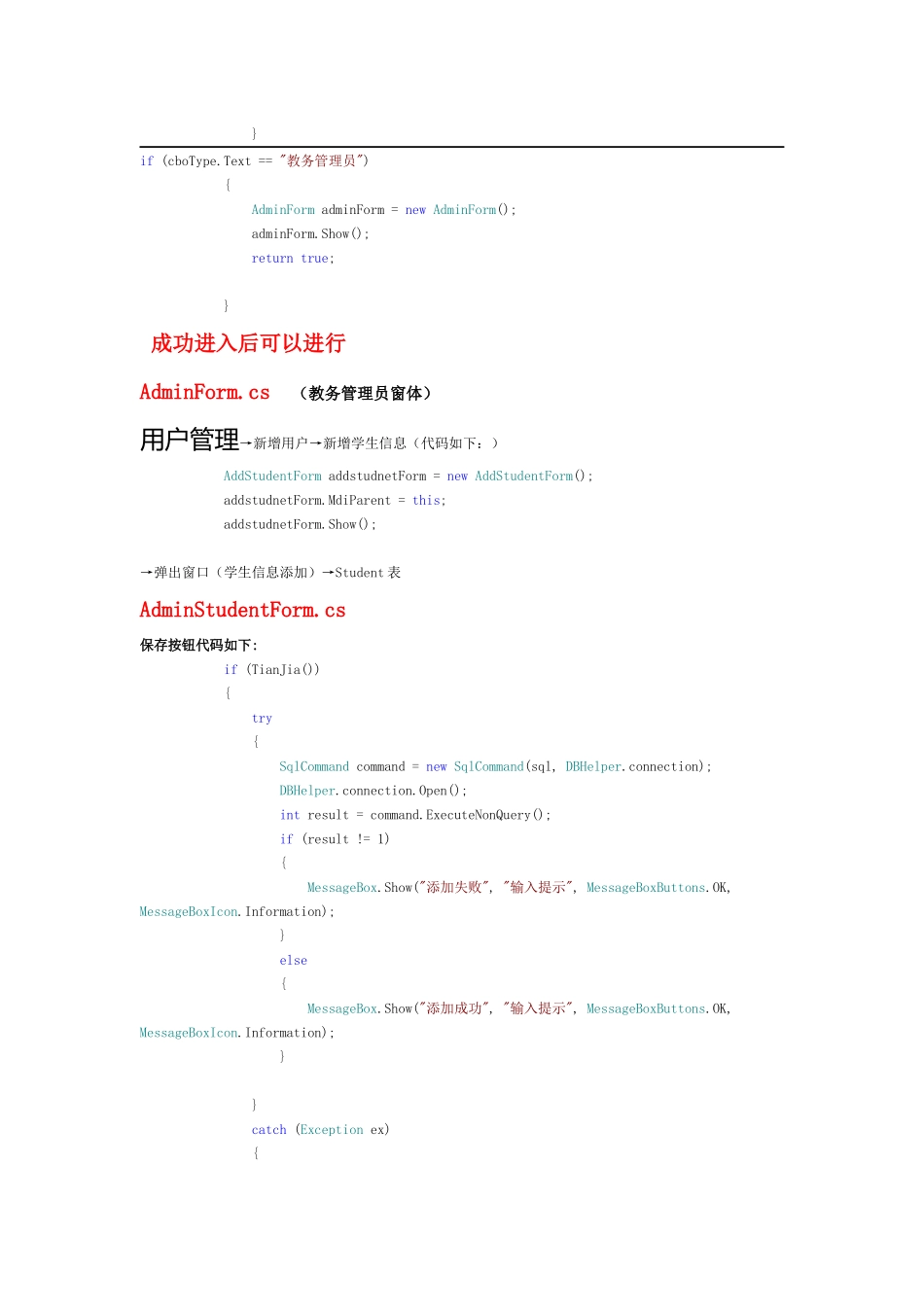
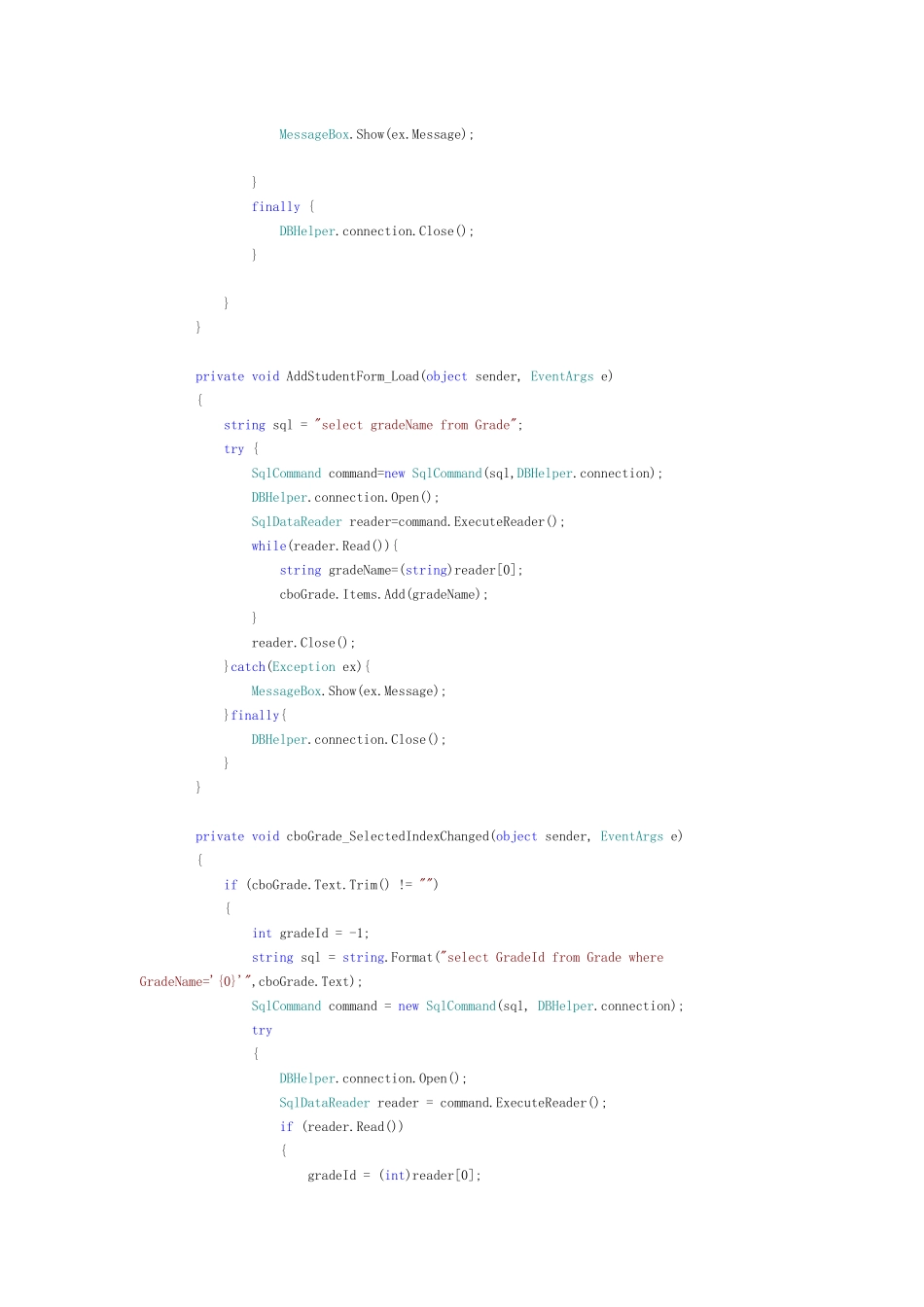
教务管理员操作流程1、使用 Admin 账号登陆——教务管理员系统代码区域:int count = 0; bool isValidUser = false; if (loginType == "教务管理员") { string sql = string.Format("select count(*) from Admin where LoginId='{0}' AND LoginPwd='{1}'", loginId, loginPwd); try { SqlCommand command = new SqlCommand(sql, DBHelper.connection); DBHelper.connection.Open(); count = (int)command.ExecuteScalar(); if (count == 1) { isValidUser = true; } else { index++; if (index <=3) { message = "用户名或密码不存在!"; } else if (index >= 3) { Application.Exit(); } isValidUser = false; } } catch (Exception ex) { message = ex.Message; Console.WriteLine(ex.Message); } finally { DBHelper.connection.Close(); }if (cboType.Text == "教务管理员") { AdminForm adminForm = new AdminForm(); adminForm.Show(); return true; } 成功进入后可以进行AdminForm.cs (教务管理员窗体)用户管理→新增用户→新增学生信息(代码如下:) AddStudentForm addstudnetForm = new AddStudentForm(); addstudnetForm.MdiParent = this; addstudnetForm.Show();→弹出窗口(学生信息添加)→Student 表AdminStudentForm.cs保存按钮代码如下: if (TianJia()) { try { SqlCommand command = new SqlCommand(sql, DBHelper.connection); DBHelper.connection.Open(); int result = command.ExecuteNonQuery(); if (result != 1) { MessageBox.Show("添加失败", "输入提示", MessageBoxButtons.OK, MessageBoxIcon.Information); } else { MessageBox.Show("添加成功", "输入提示", MessageBoxButtons.OK, MessageBoxIcon.Information); } } catch (Exception ex) { MessageBox.Show(ex.Message); } finally { DBHelper.connection.Close(); } } } private void AddStudentForm_Load(object sender, EventArgs e) { string sql = "select gradeName from Grade"; try { SqlCommand command=new SqlCommand(sql,DBHelper.connection); DBHelper.connection.Open(); SqlDataReader reader=command.ExecuteReader(); while(reader.Read()){ str...