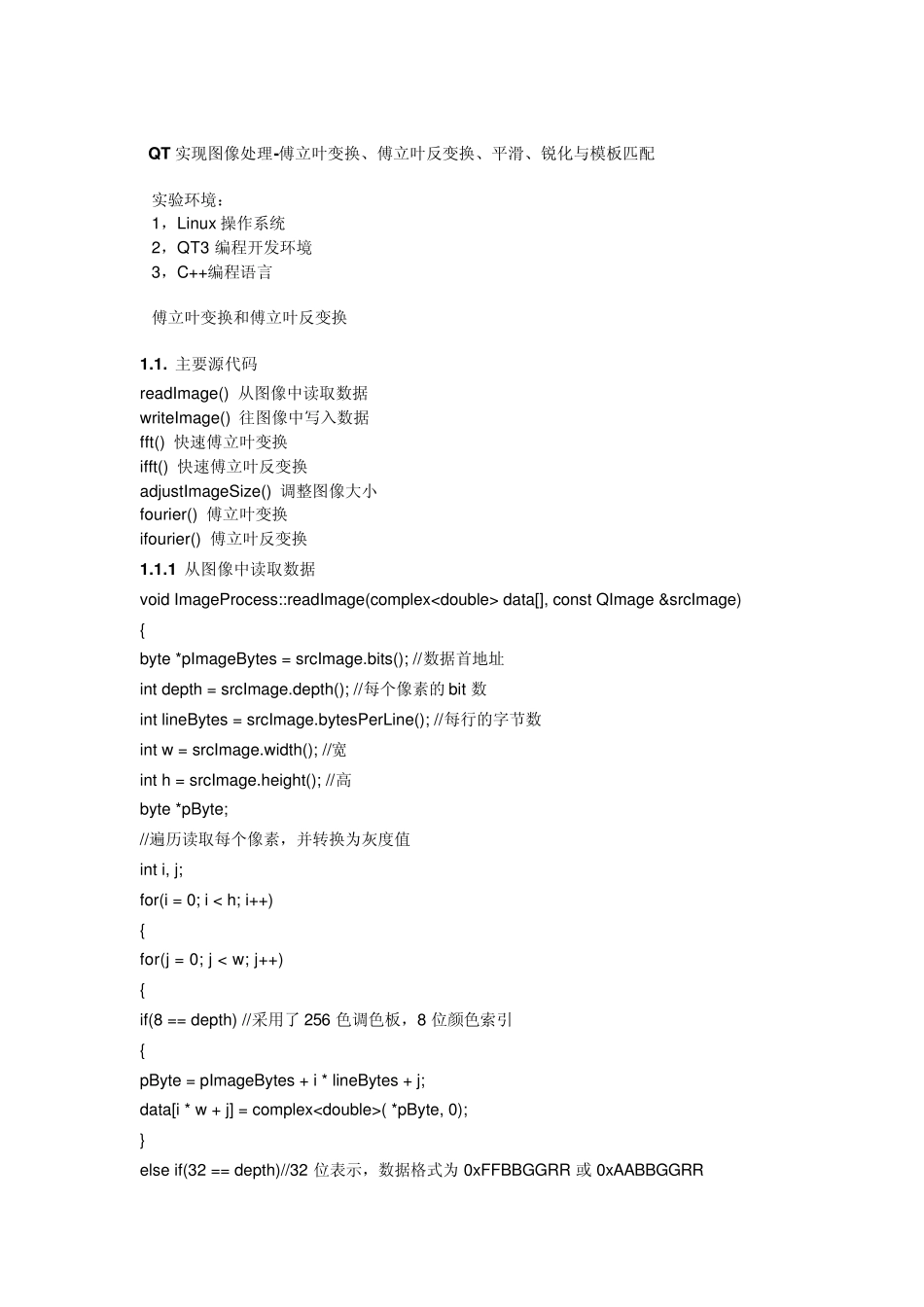
QT实现图像处理-傅立叶变换、傅立叶反变换、平滑、锐化与模板匹配 实验环境: 1,Linux 操作系统 2,QT3 编程开发环境 3,C++编程语言 傅立叶变换和傅立叶反变换 1
主要源代码 readImage() 从图像中读取数据 writeImage() 往图像中写入数据 fft() 快速傅立叶变换 ifft() 快速傅立叶反变换 adjustImageSize() 调整图像大小 fourier() 傅立叶变换 ifourier() 傅立叶反变换 1
1 从图像中读取数据 void ImageProcess::readImage(complex data[], const QImage &srcImage) { byte *pImageBytes = srcImage
bits(); //数据首地址 int depth = srcImage
depth(); //每个像素的 bit 数 int lineBytes = srcImage
bytesPerLine(); //每行的字节数 int w = srcImage
width(); //宽 int h = srcImage
height(); //高 byte *pByte; //遍历读取每个像素,并转换为灰度值 int i, j; for(i = 0; i < h; i++) { for(j = 0; j < w; j++) { if(8 == depth) //采用了 256 色调色板,8 位颜色索引 { pByte = pImageBytes + i * lineBytes + j; data[i * w + j] = complex( *pByte, 0); } else if(32 == depth)//32 位表示,数据格式为 0xFFBBGGRR 或 0xAABBGGRR { pByte =