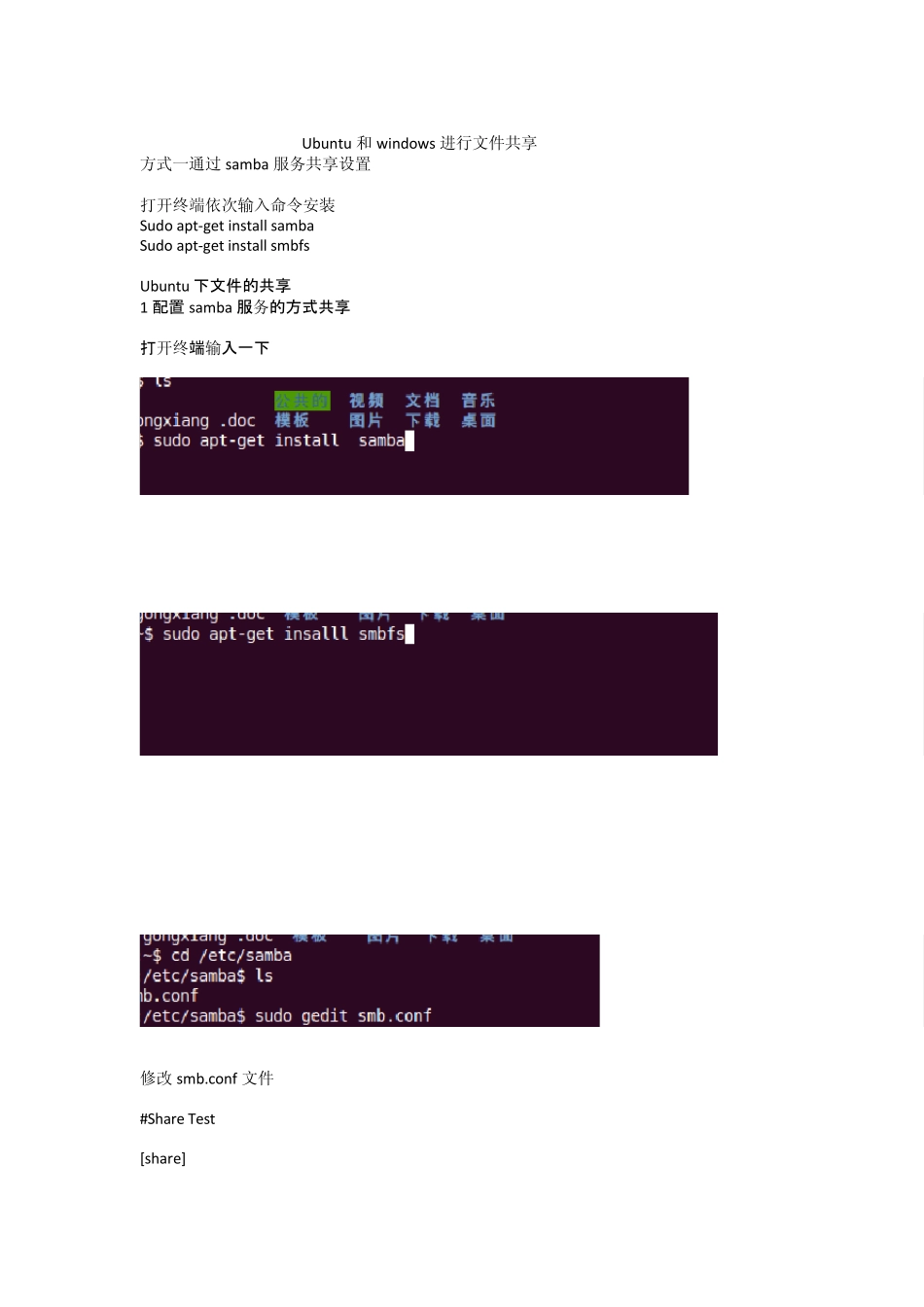
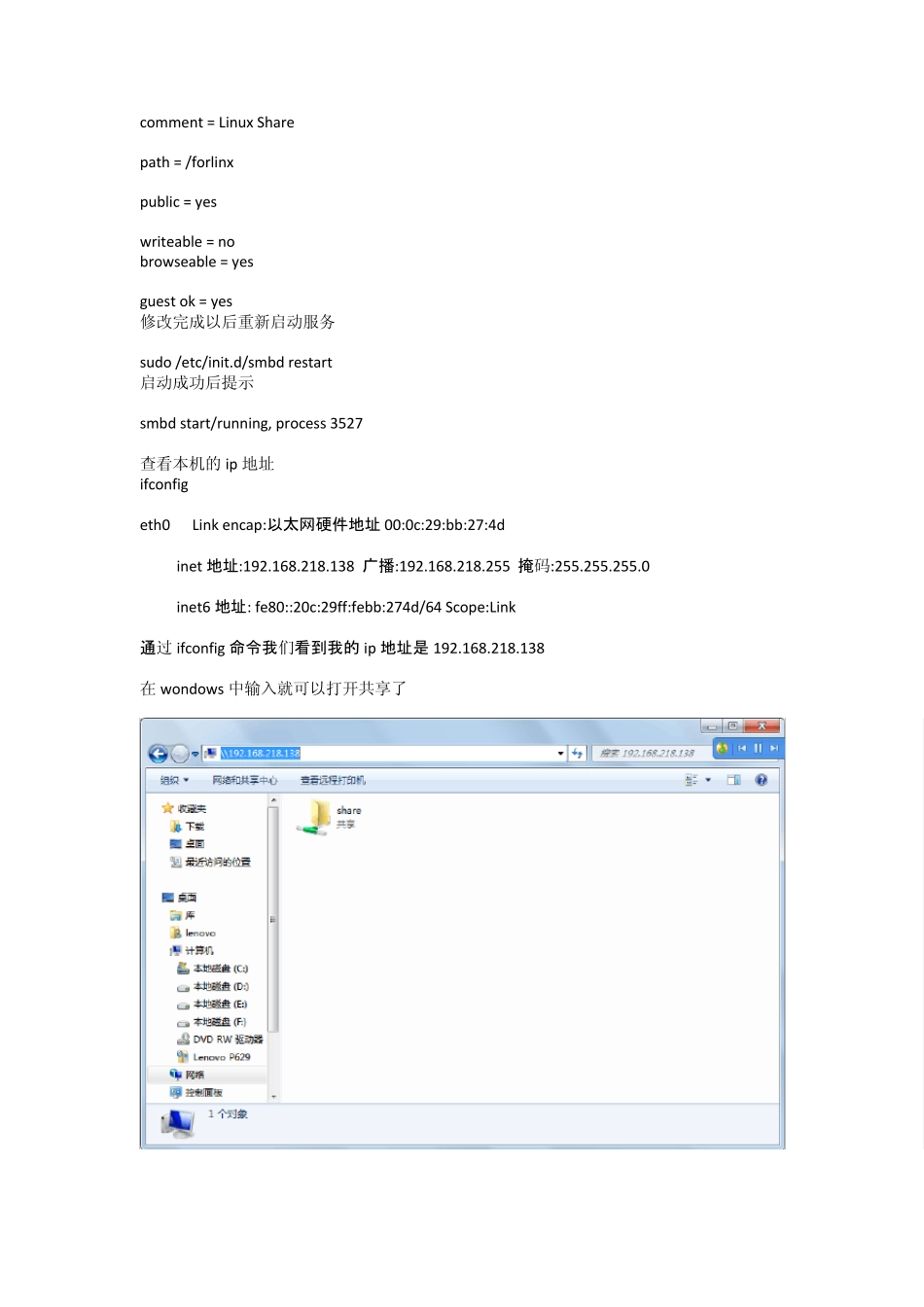
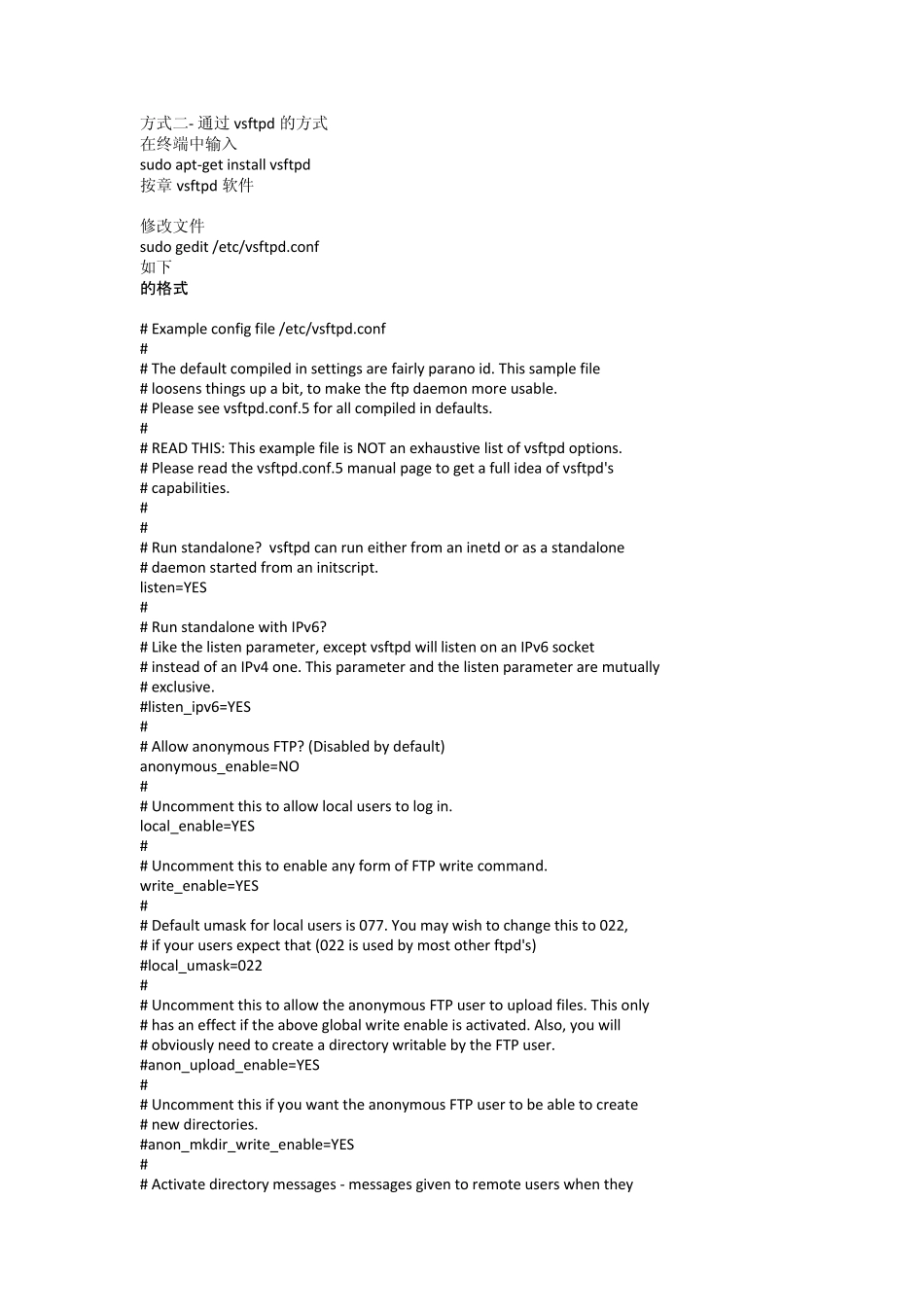
Ubuntu 和w indow s 进行文件共享 方式一通过 samba 服务共享设置 打开终端依次输入命令安装 Sudo apt-get install samba Sudo apt-get install smbfs Ubuntu 下文件的共享 1 配置samba 服务的方式共享 打开终端输入一下 修改 smb
conf 文件 #Share Test [share] comment = Linux Share path = /forlinx public = yes writeable = no browseable = yes guest ok = yes 修改完成以后重新启动服务 sudo /etc/init
d/smbd restart 启动成功后提示 smbd start/running, process 3527 查看本机的ip 地址 ifconfig eth0 Link encap:以太网硬件地址 00:0c:29:bb:27:4d inet 地址:192
138 广播:192
255 掩码:255
0 inet6 地址: fe80::20c:29ff:febb:274d/64 Scope:Link 通过ifconfig 命令我们看到我的 ip 地址是 192
138 在wondows 中输入就可以打开共享了 方式二- 通过vsftpd 的方式 在终端中输入 sudo apt-get install vsftpd 按章vsftpd 软件 修改文件 sudo gedit /etc/vsftpd
conf 如下 的格式 # Example config file /etc/vsftpd
conf # # The default compiled in settings are fairly para