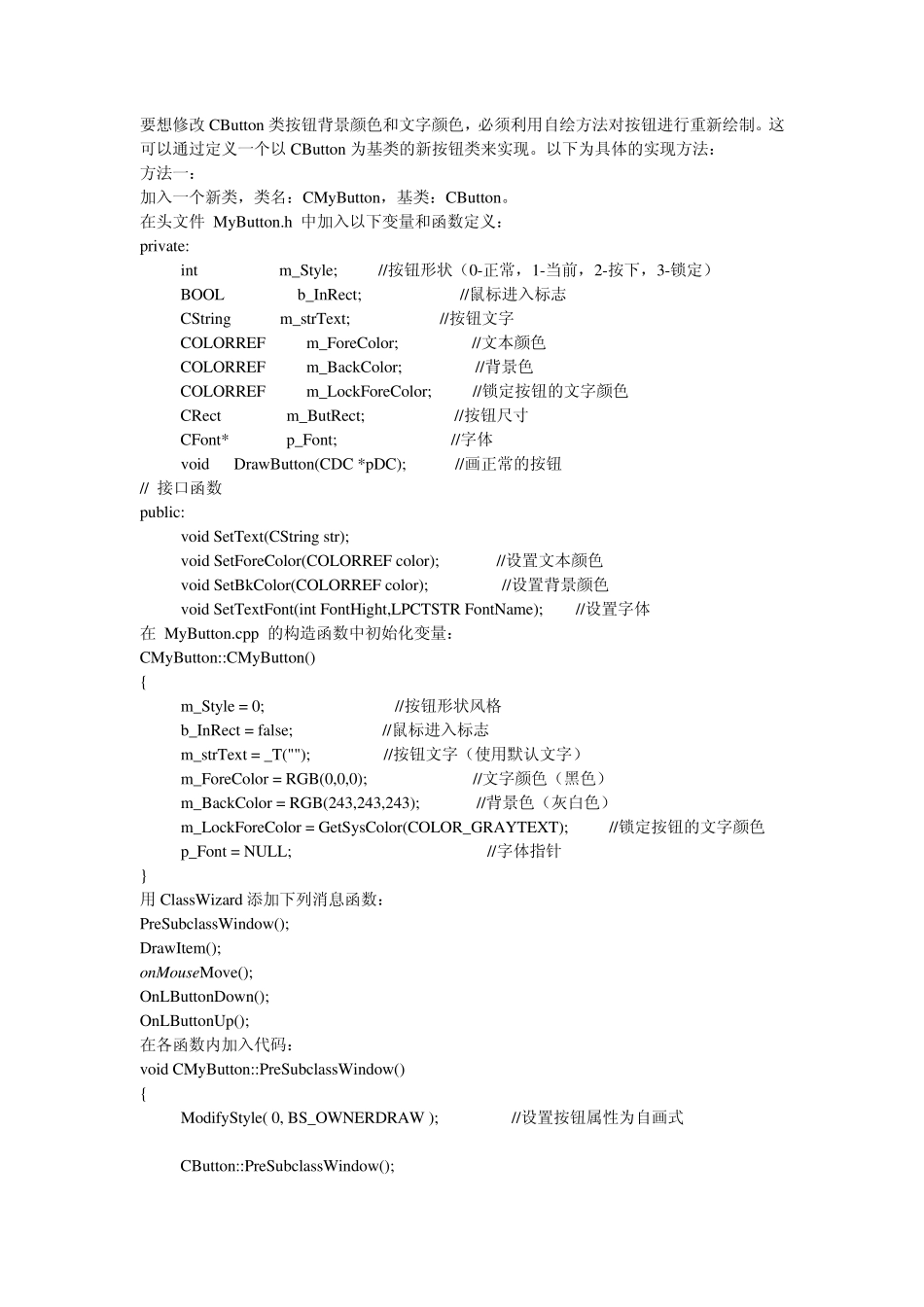
要想修改CButton 类按钮背景颜色和文字颜色,必须利用自绘方法对按钮进行重新绘制
这可以通过定义一个以 CButton 为基类的新按钮类来实现
以下为具体的实现方法: 方法一: 加入一个新类,类名:CMyButton,基类:CButton
在头文件 MyButton
h 中加入以下变量和函数定义: private: int m_Style; //按钮形状(0-正常,1-当前,2-按下,3-锁定) BOOL b_InRect; //鼠标进入标志 CString m_strText; //按钮文字 COLORREF m_ForeColor; //文本颜色 COLORREF m_BackColor; //背景色 COLORREF m_LockForeColor; //锁定按钮的文字颜色 CRect m_ButRect; //按钮尺寸 CFont* p_Font; //字体 void DrawButton(CDC *pDC); //画正常的按钮 // 接口函数 public: void SetText(CString str); void SetForeColor(COLORREF color); //设置文本颜色 void SetBkColor(COLORREF color); //设置背景颜色 void SetTextFont(int FontHight,LPCTSTR FontName); //设置字体 在 MyButton
cpp 的构造函数中初始化变量: CMyButton::CMyButton() { m_Style = 0; //按钮形状风格 b_InRect = false; //鼠标进入标志 m_strText = _T(""); //按钮文字(使用默认文字) m_ForeColor = RGB(0,0,0); //文字颜色(黑色) m_BackColor