创建win32 控制台应用程序,选择空项目
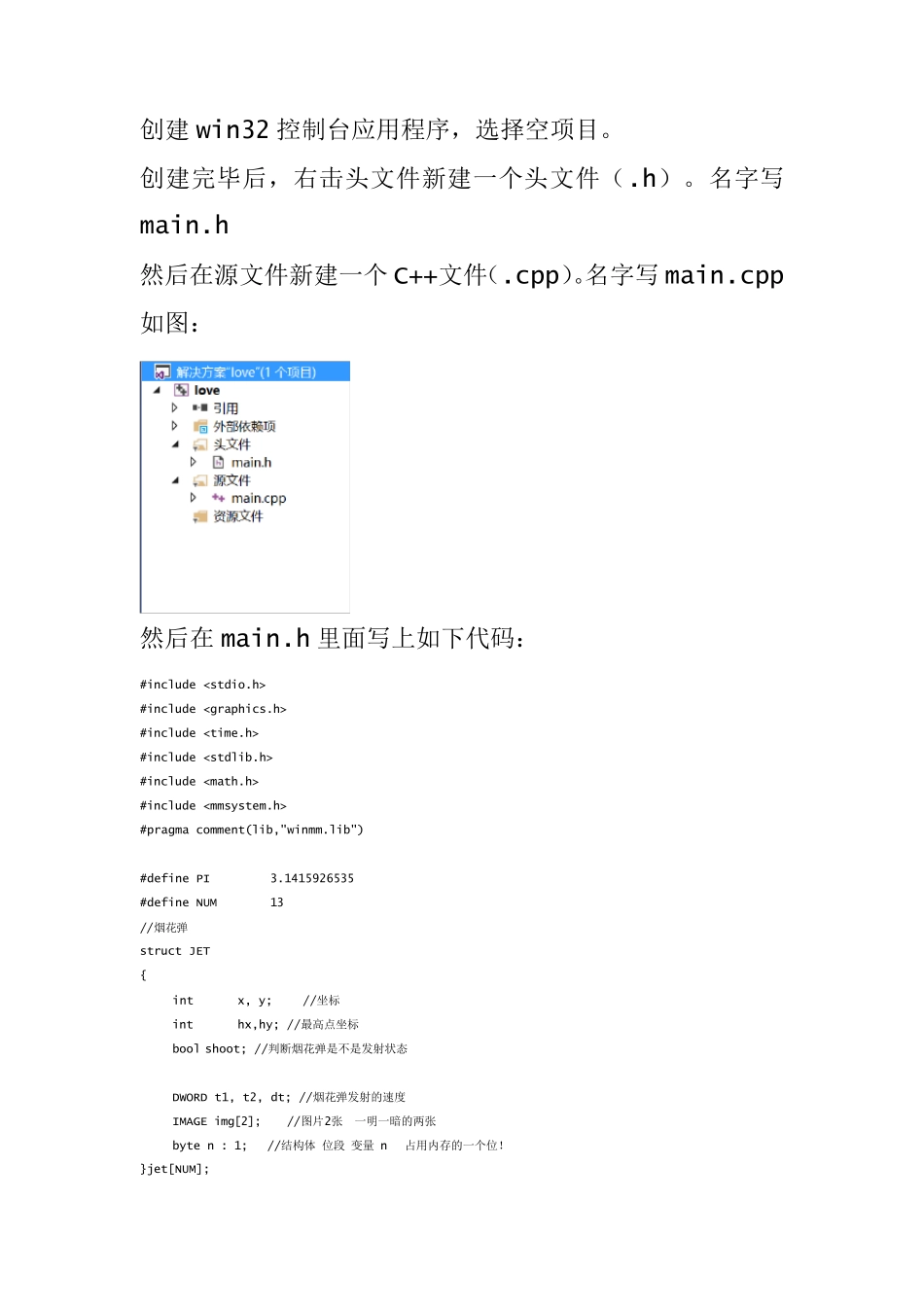
创建完毕后,右击头文件新建一个头文件(
名字写main
h 然后在源文件新建一个 C++文件(
名字写 main
cpp 如图: 然后在 main
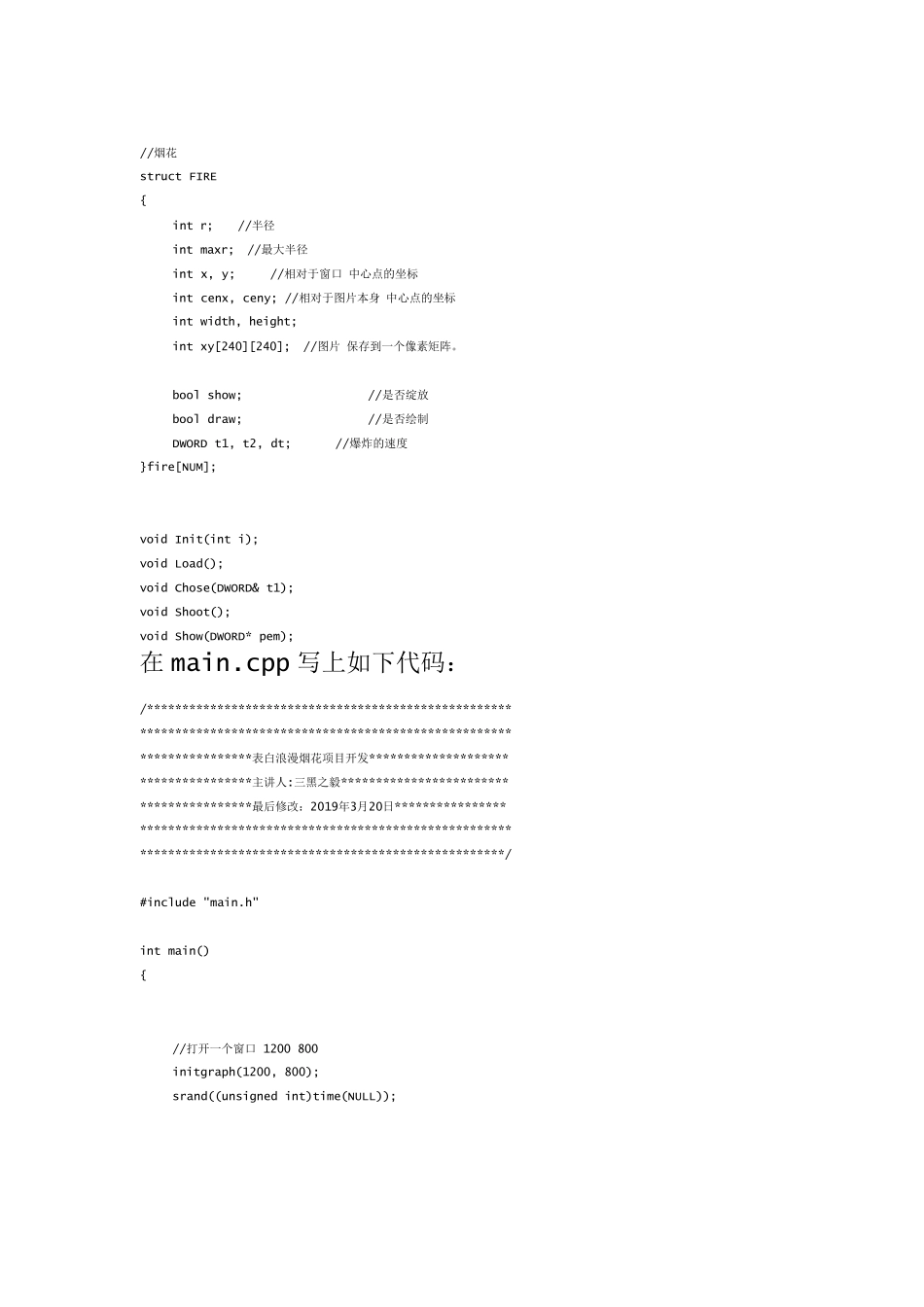
h 里面写上如下代码: #include #include #include #include #include #include #pragma comment(lib,"winmm
lib") #define PI 3
1415926535 #define NUM 13 //烟花弹 struct JET { int x, y; //坐标 int hx,hy; //最高点坐标 bool shoot; //判断烟花弹是不是发射状态 DWORD t1, t2, dt; //烟花弹发射的速度 IMAGE img[2]; //图片2张 一明一暗的两张 byte n : 1; //结构体 位段 变量 n 占用内存的一个位
}jet[NUM]; //烟花 struct FIRE { int r; //半径 int maxr; //最大半径 int x, y; //相对于窗口 中心点的坐标 int cenx, ceny; //相对于图片本身 中心点的坐标 int width, height; int xy[240][240]; //图片 保存到一个像素矩阵
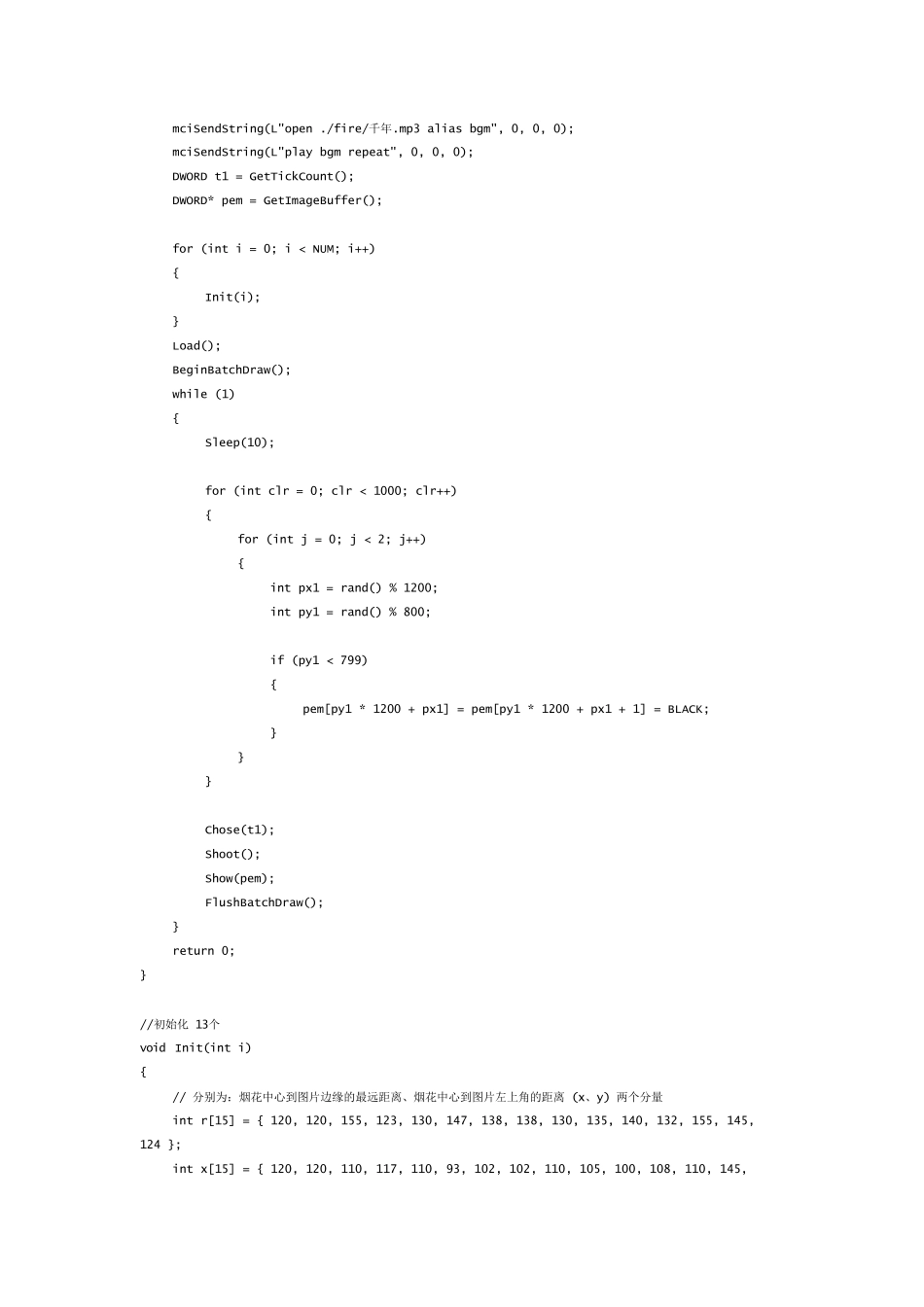
bool show; //是否绽放 bool draw; //是否绘制 DWORD t1, t2, dt; //爆炸的速度 }fire[NUM]; void Init(int i); void Load(); void Chose(DWORD& t1); void Shoot(); void Show(DWORD* pem); 在 main
cpp 写上如下代码: /****************************