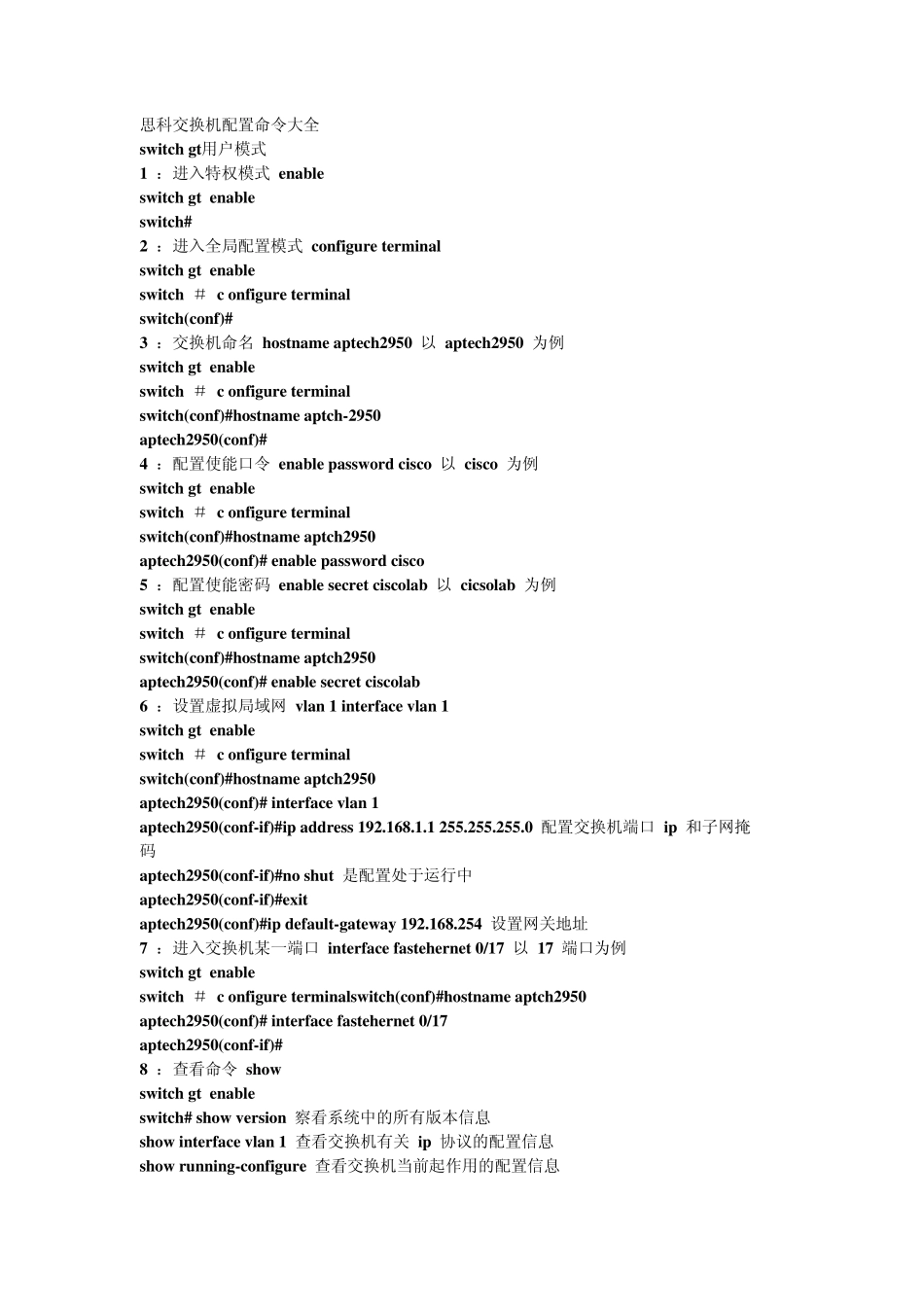
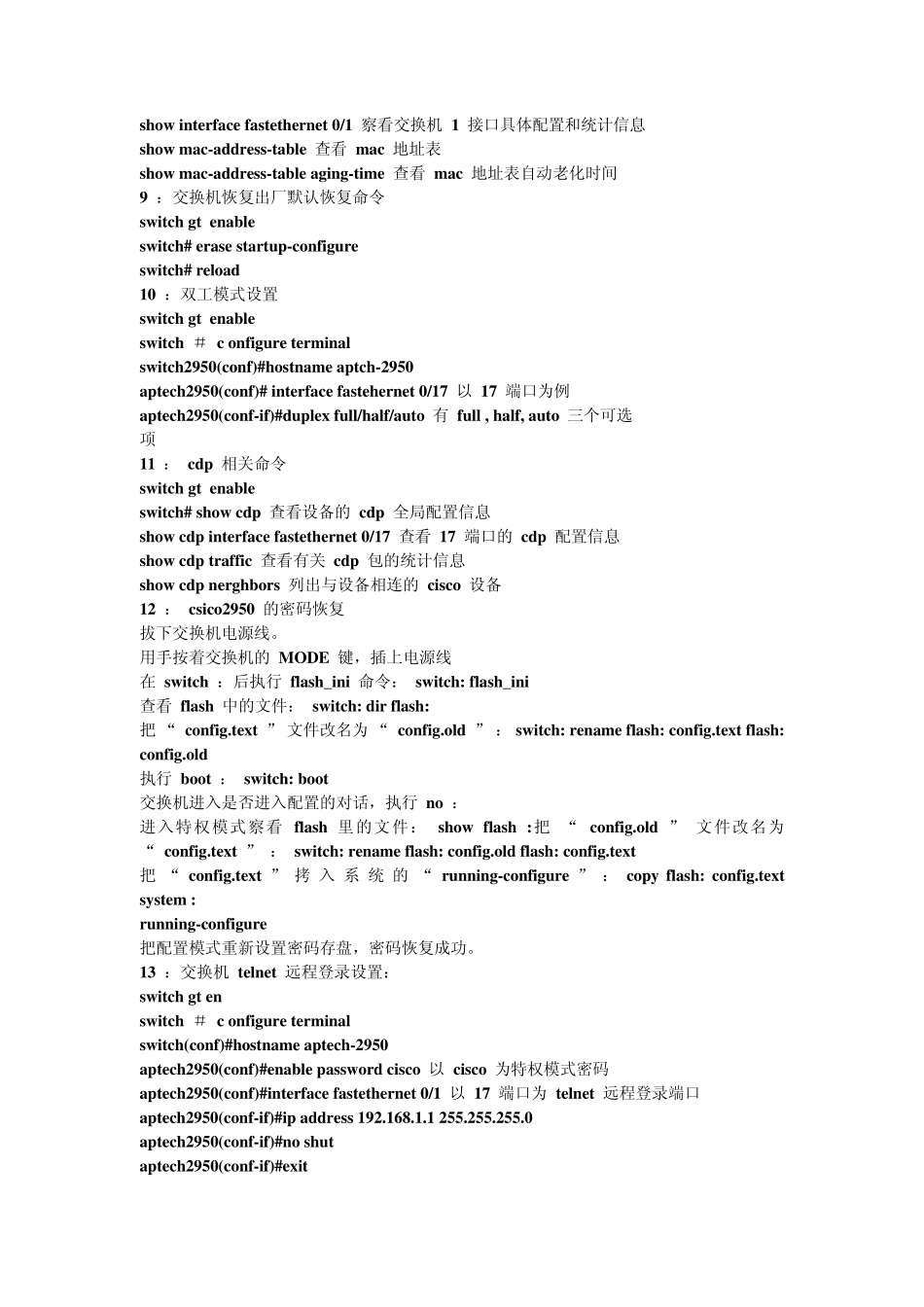
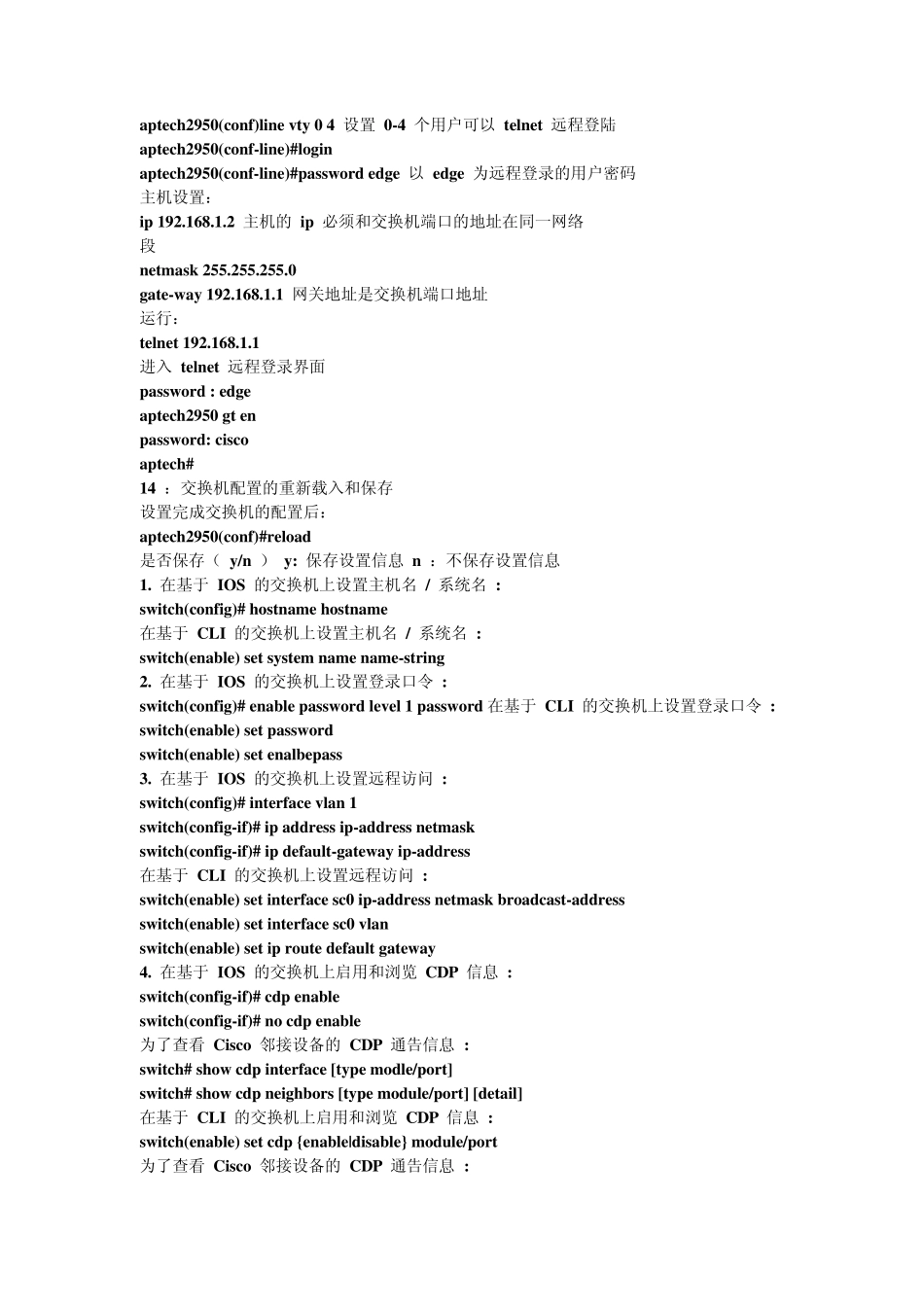
思科交换机配置命令大全 switch> 用户模式 1 :进入特权模式 enable switch> enable switch# 2 :进入全局配置模式 configure terminal switch> enable switch # c onfigure terminal switch(conf)# 3 :交换机命名 hostname aptech2950 以 aptech2950 为例 switch> enable switch # c onfigure terminal switch(conf)#hostname aptch-2950 aptech2950(conf)# 4 :配置使能口令 enable password cisco 以 cisco 为例 switch> enable switch # c onfigure terminal switch(conf)#hostname aptch2950 aptech2950(conf)# enable password cisco 5 :配置使能密码 enable secret ciscolab 以 cicsolab 为例 switch> enable switch # c onfigure terminal switch(conf)#hostname aptch2950 aptech2950(conf)# enable secret ciscolab 6 :设置虚拟局域网 vlan 1 interface vlan 1 switch> enable switch # c onfigure terminal switch(conf)#hostname aptch2950 aptech2950(conf)# interface vlan 1 aptech2950(conf-if)#ip address 192