一、常见错误:新建Android Project 时报的错 第一种:Description Resource Path Location Type Project 'aa' is missing required source folder: 'gen' aa Build path Build Path Problem 第二种:MySecondPhoneAndroid] Error in an XML file: aborting build
I have fixed it very simple: Right click project 'xxx' ->Properties ->Java Build Path ->Tab 'Order and Export'->Select 'xxx/gen' ->Click 'Up' then 'OK', the problem is OK now
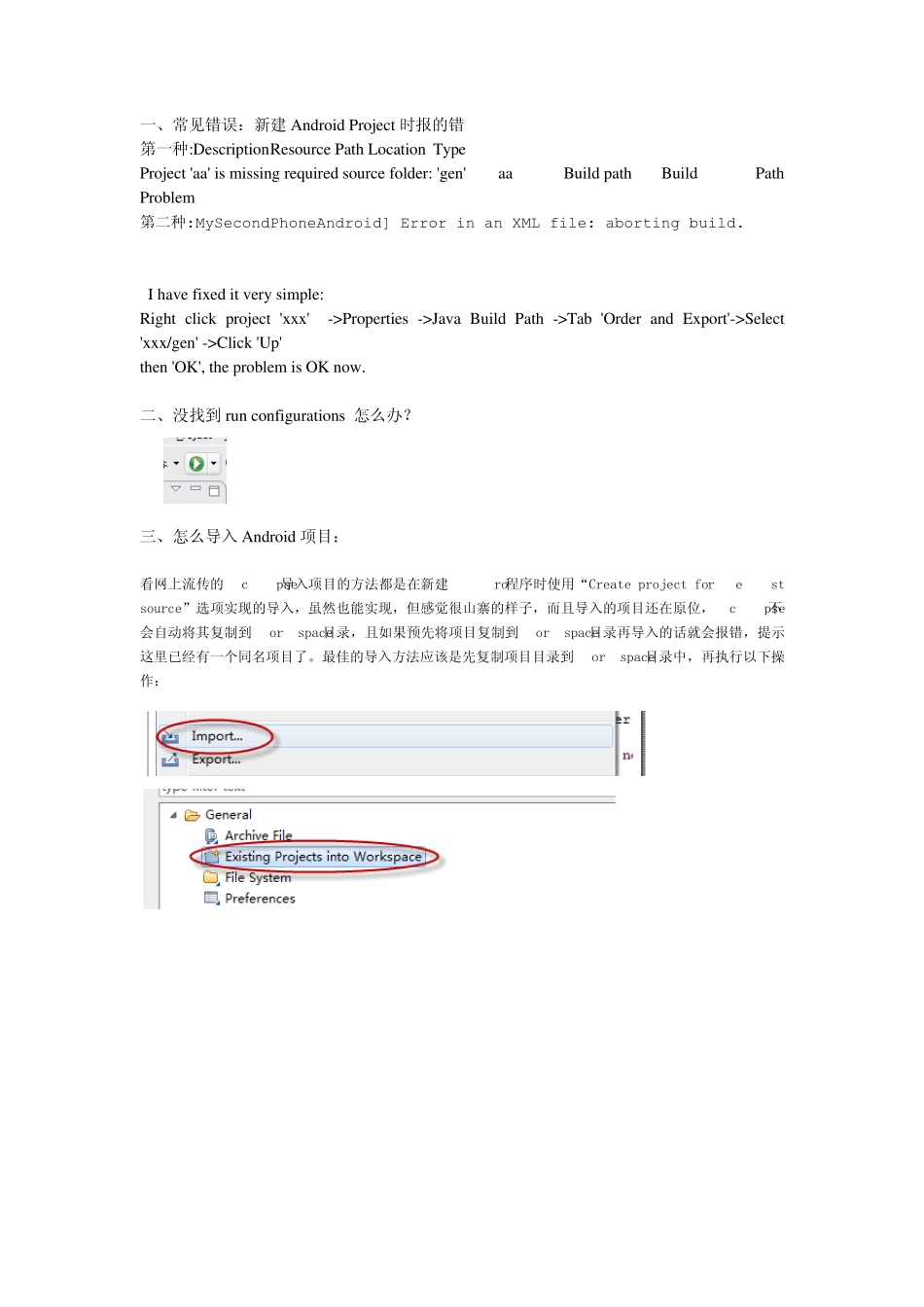
二、没找到run configurations 怎么办
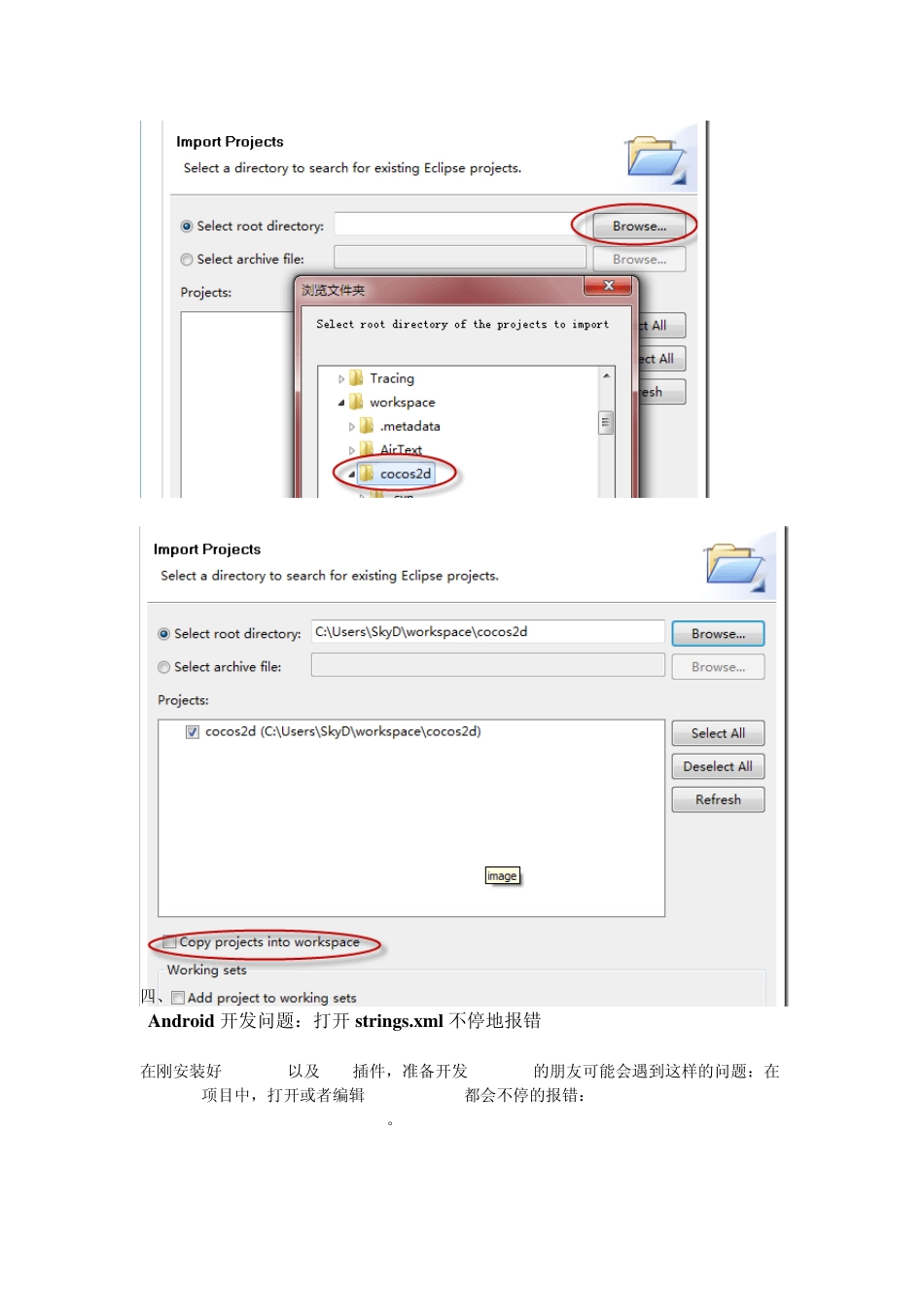
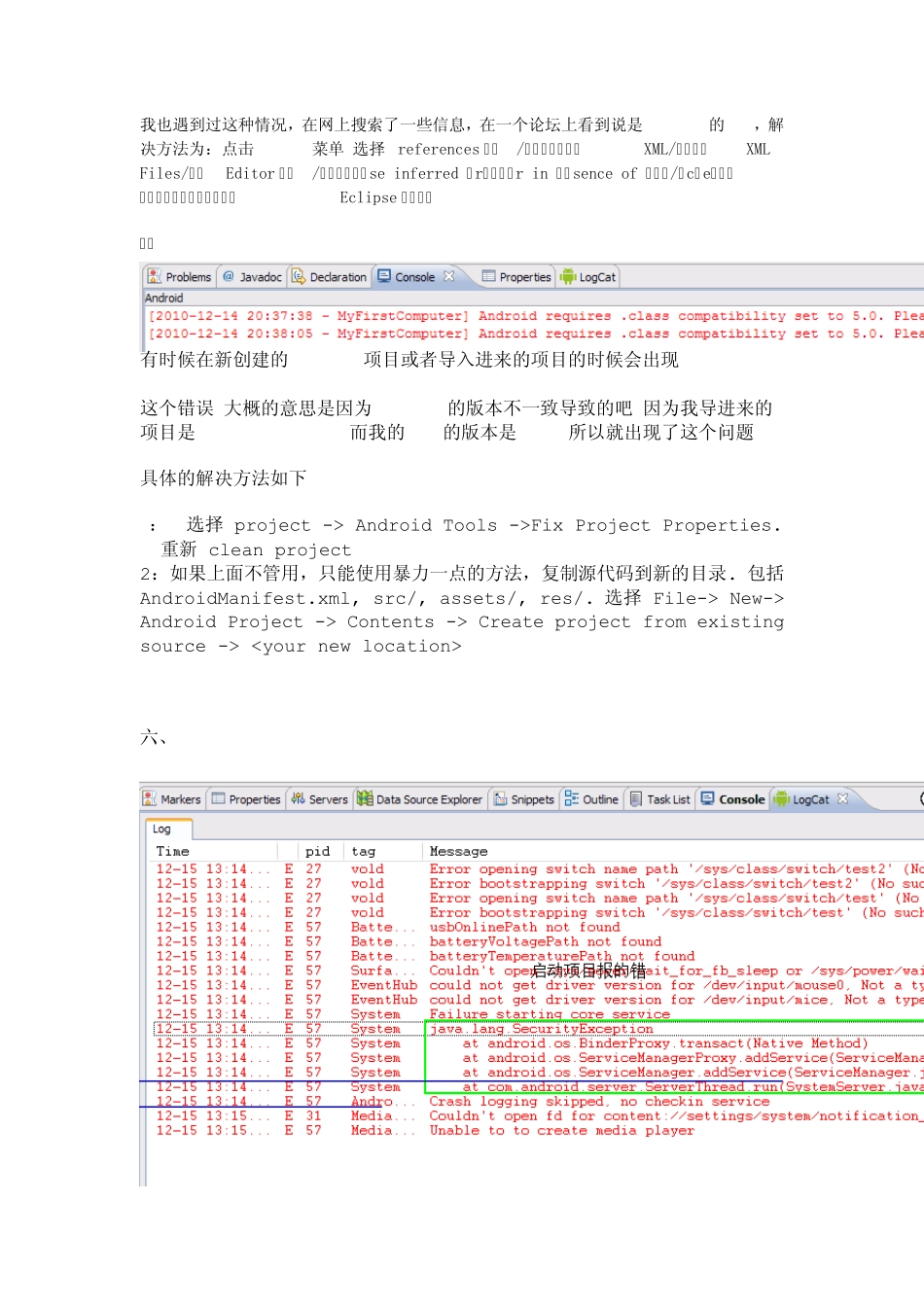
三、怎么导入Android 项目: 看网上流传的Eclipse导入项目的方法都是在新建Android程序时使用“Create project form existing source”选项实现的导入,虽然也能实现,但感觉很山寨的样子,而且导入的项目还在原位,Eclipse不会自动将其复制到workspace目录,且如果预先将项目复制到workspace目录再导入的话就会报错,提示这里已经有一个同名项目了
最佳的导入方法应该是先复制项目目录到workspace目录中,再执行以下操作: 四、 Android 开发问题:打开 strings
x ml 不停地报错 在刚安装好 Eclipse以及 AD