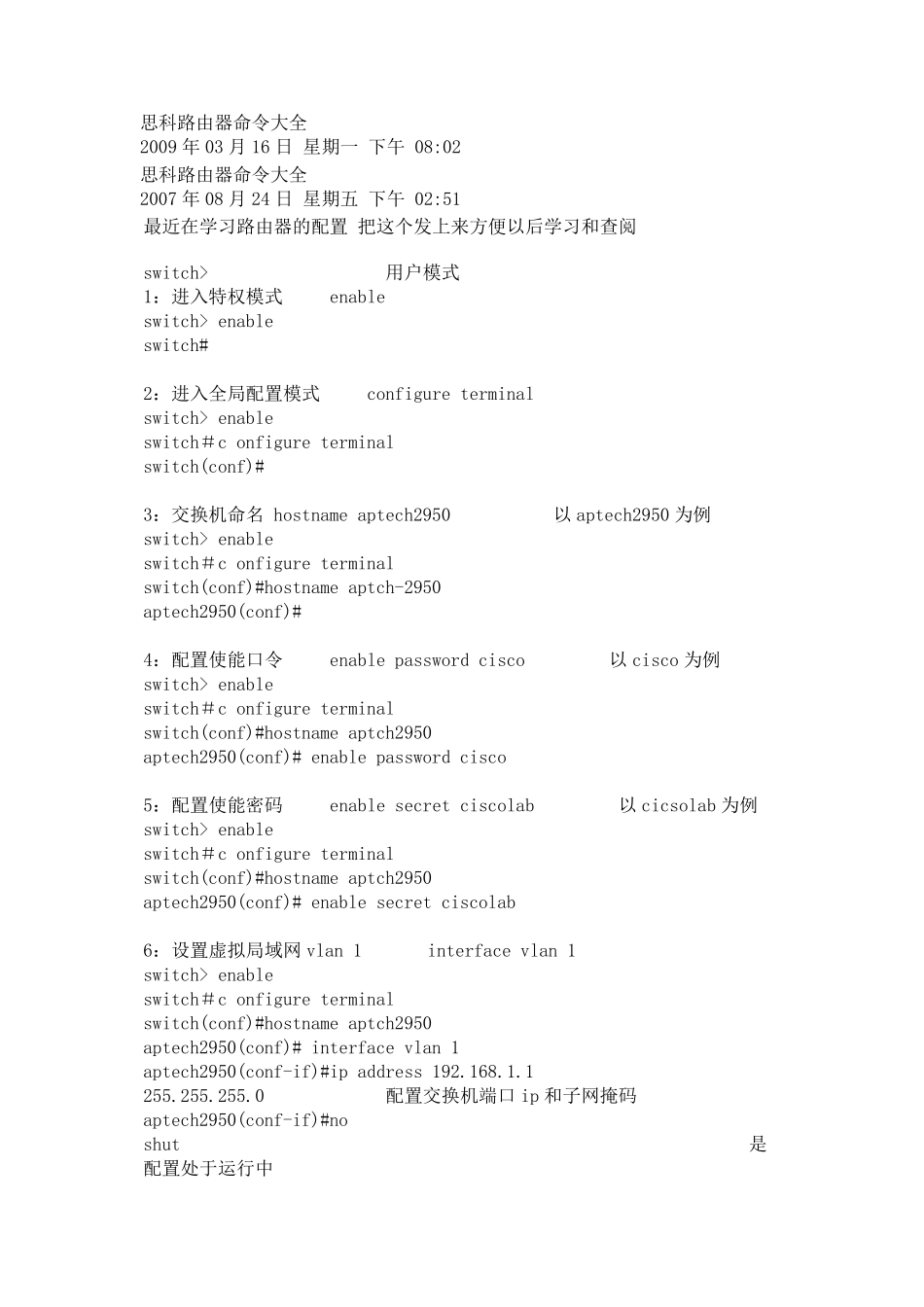
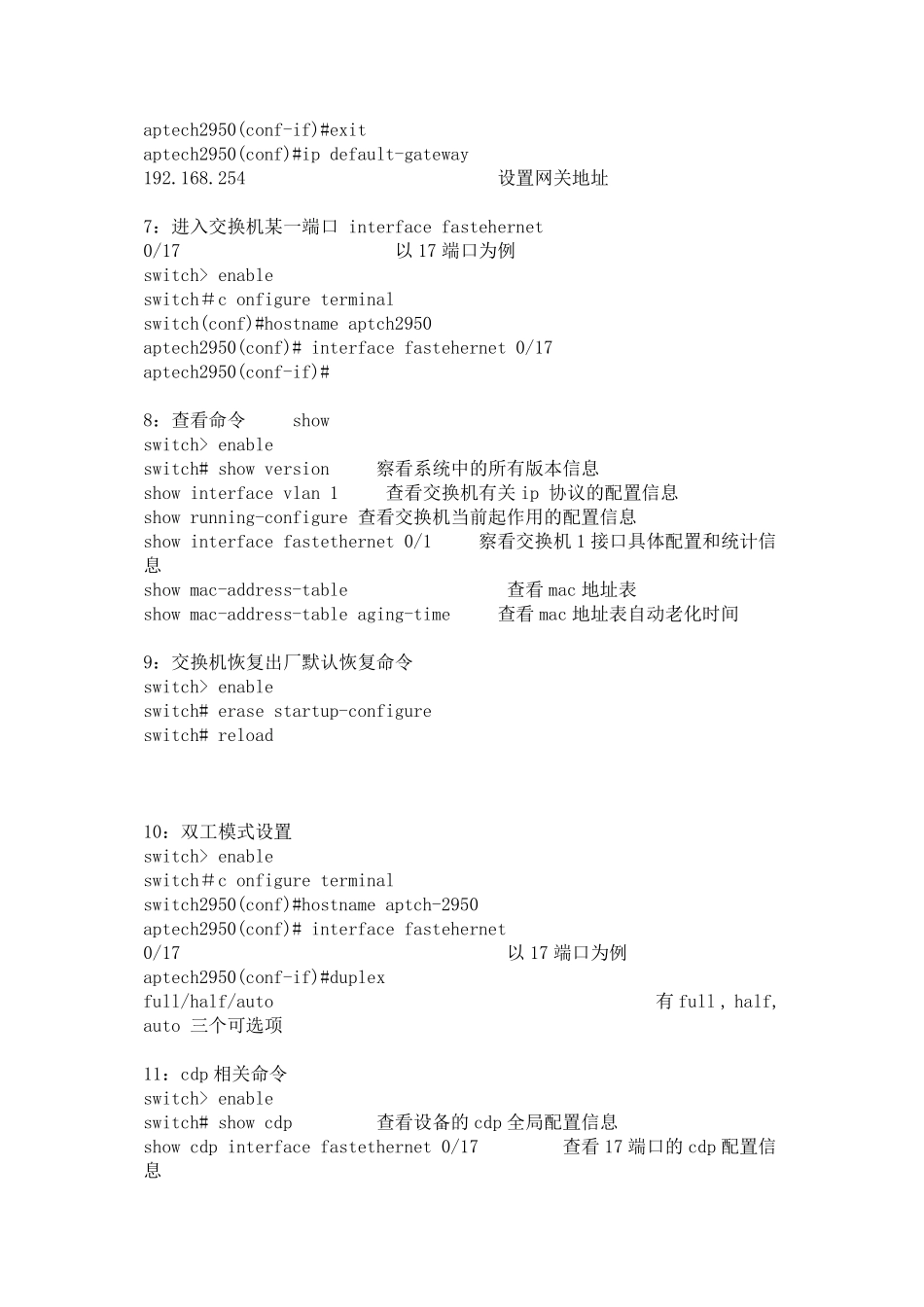
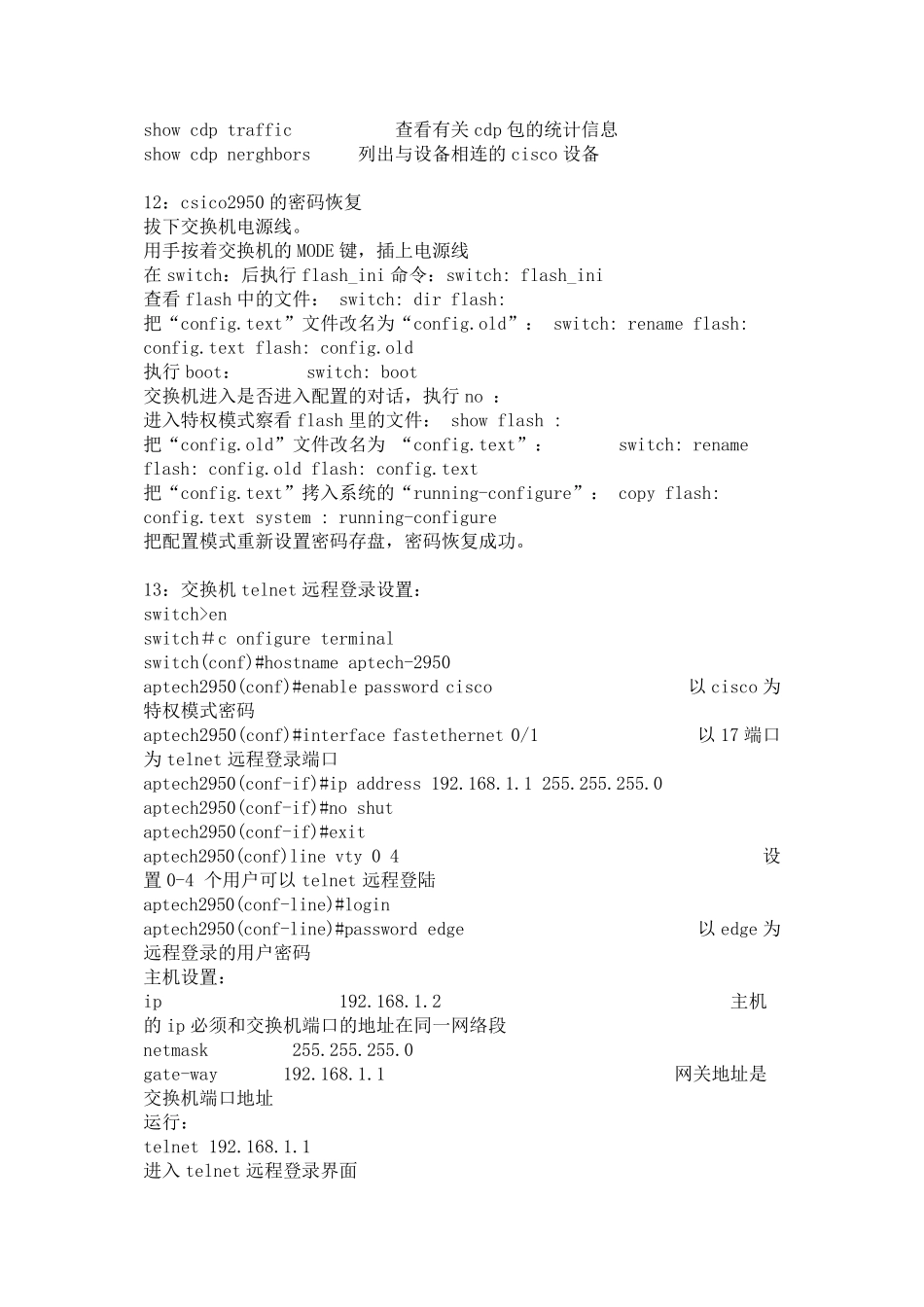
思科路由器命令大全 2009 年03 月16 日 星期一 下午 08:02 思科路由器命令大全 2007 年08 月24 日 星期五 下午 02:51 最近在学习路由器的配置 把这个发上来方便以后学习和查阅 switch> 用户模式 1:进入特权模式 enable switch> enable switch# 2:进入全局配置模式 configure terminal switch> enable switch#c onfigure terminal switch(conf)# 3:交换机命名 hostname aptech2950 以 aptech2950 为例 switch> enable switch#c onfigure terminal switch(conf)#hostname aptch-2950 aptech2950(conf)# 4:配置使能口令 enable password cisco 以 cisco 为例 switch> enable switch#c onfigure terminal switch(conf)#hostname aptch2950 aptech2950(conf)# enable password cisco 5:配置使能密码 enable secret ciscolab 以 cicsolab 为例 switch> enable switch#c onfigure terminal switch(conf)#hostname aptch2950 aptech2950(conf)# enable secret ciscolab 6:设置虚拟局域网 vlan 1 interface vlan 1 switch> enable switch#c onfigure terminal switch(conf)#hostname aptch2