地理要素的数字化及其分析一、实验目的1
掌握点、线、面地理要素的屏幕跟踪数字化输入的方法
掌握各地理要素的数据库建立方法,以及查询、数据统计、分析等功能
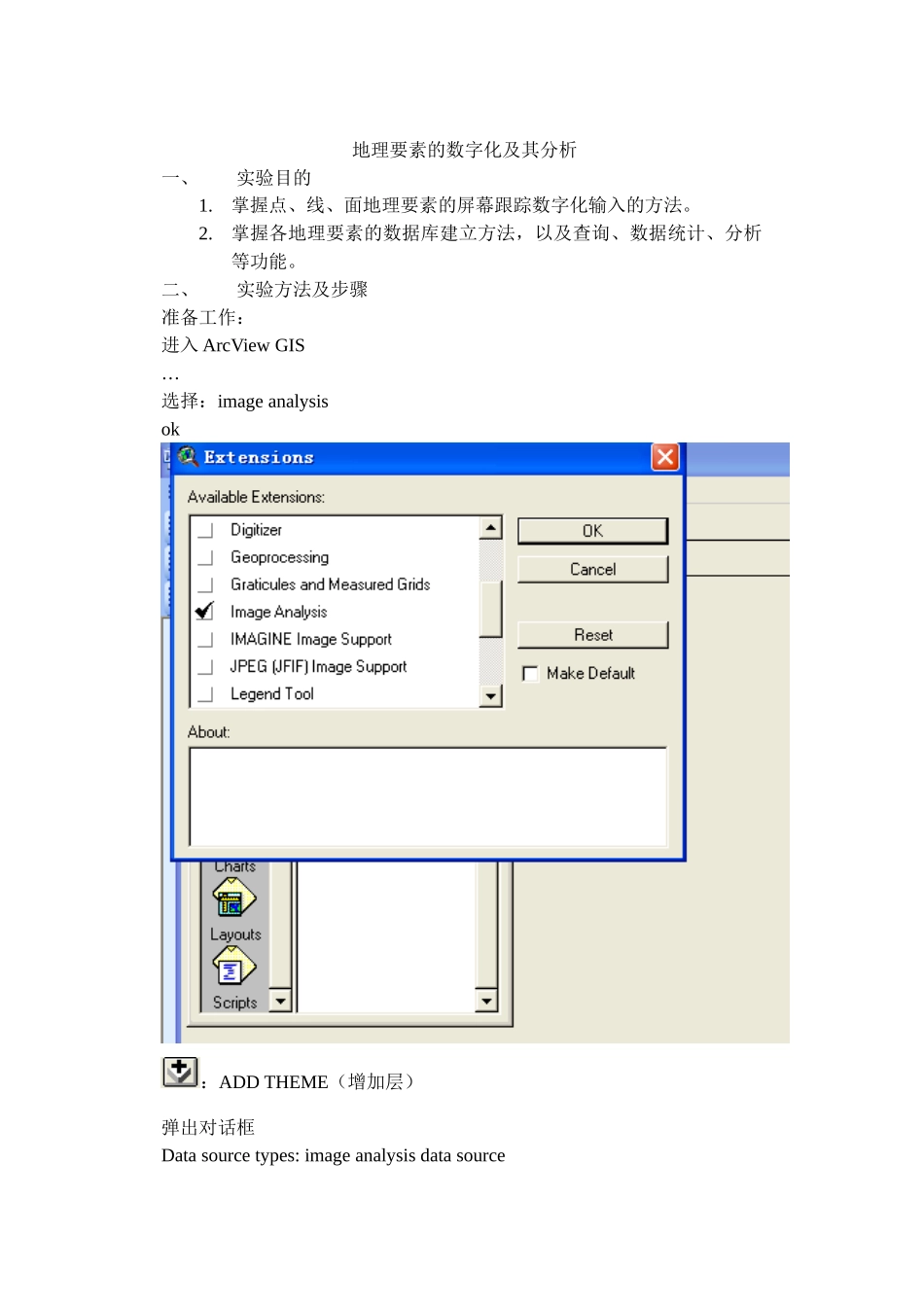
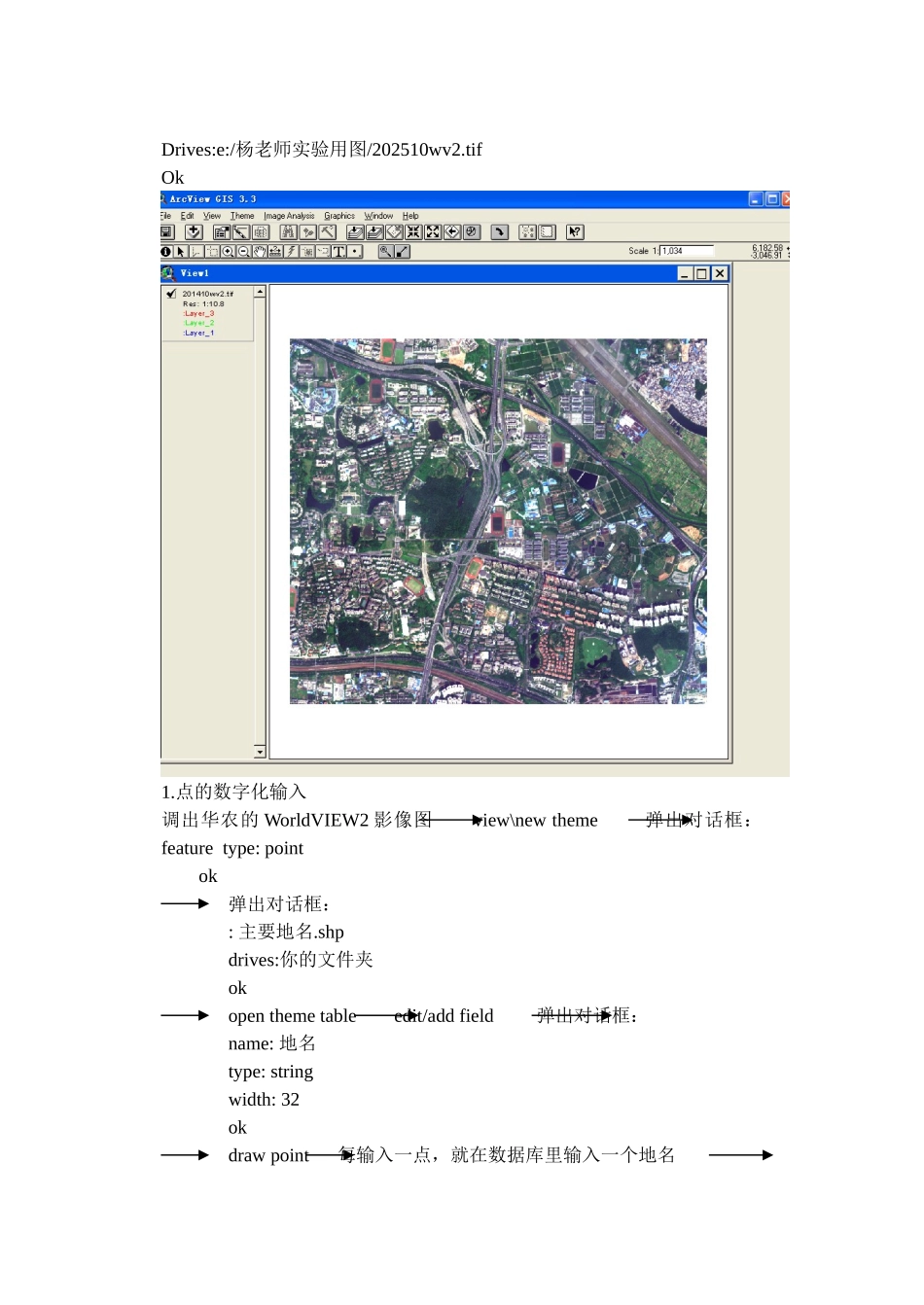
二、实验方法及步骤准备工作:进入 ArcView GIS…选择:image analysisok:ADD THEME(增加层)弹出对话框Data source types: image analysis data sourceDrives:e:/杨老师实验用图/202510wv2
tifOk1
点的数字化输入调出华农的 WorldVIEW2 影像图 view\new theme 弹出对话框:feature type: point ok弹出对话框:: 主要地名
shpdrives:你的文件夹okopen theme table edit/add field 弹出对话框:name: 地名type: string width: 32okdraw point 每输入一点,就在数据库里输入一个地名 theme /stop editing yes project2
线的数字化输入打开原来的 project view/new theme 弹出对话框:feature type: lineok弹出对话框:: 道路
shpdrives:你的文件夹okopen theme table edit /add field 弹出对话框:name : 长度type: numberwidth: 16decimal places: 2ok draw line 重复多次 theme/stop editing yes计算长度,点击“长度”(灰色,凹),field/calculate输入:双击[shape]
returnlength(自动计算长度)