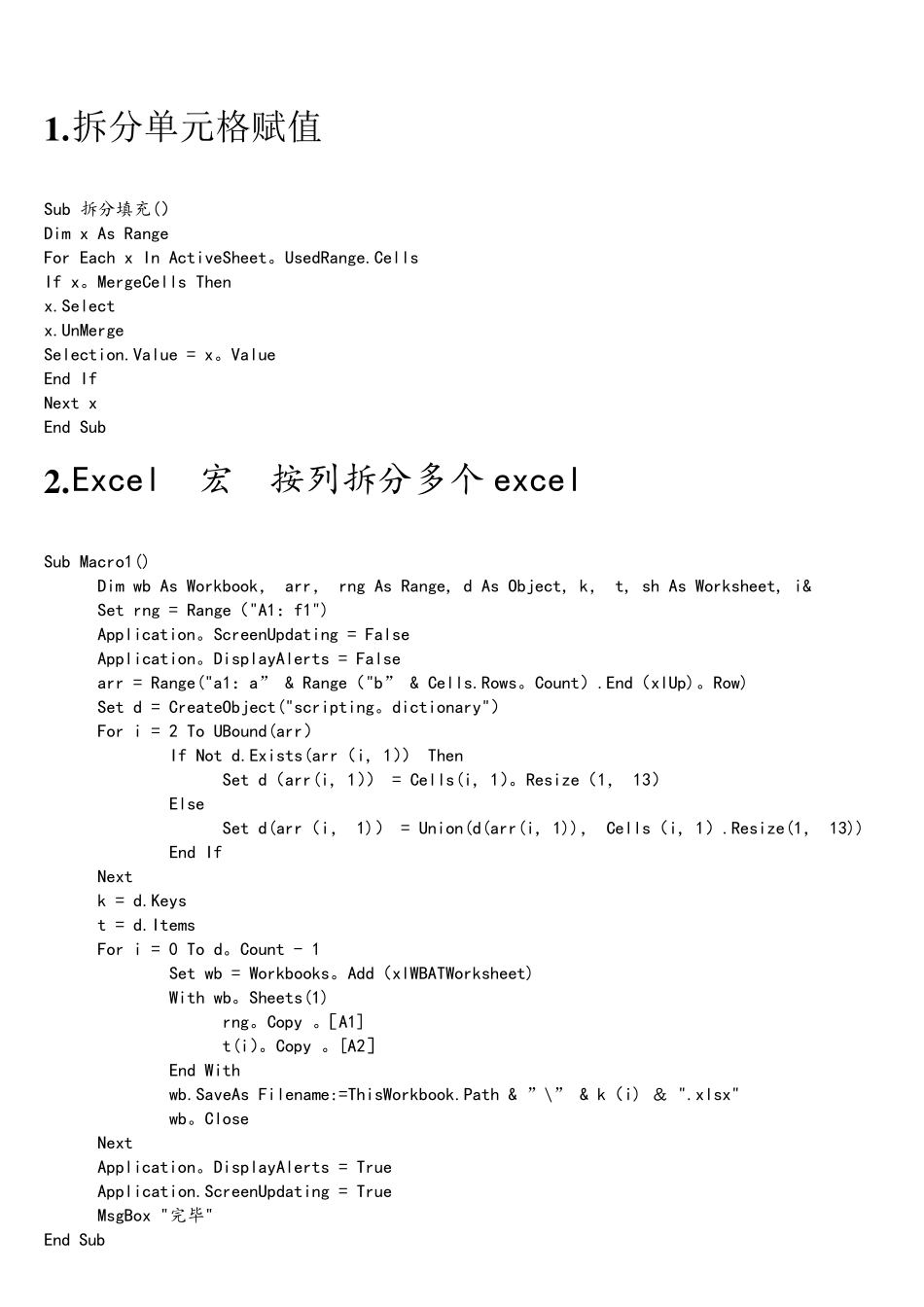
拆分单元格赋值 Sub 拆分填充() Dim x As Range For Each x In ActiveSheet
UsedRange
Cells If x
MergeCells Then x
Select x
UnMerge Selection
Value = x
Value End If Next x End Sub 2
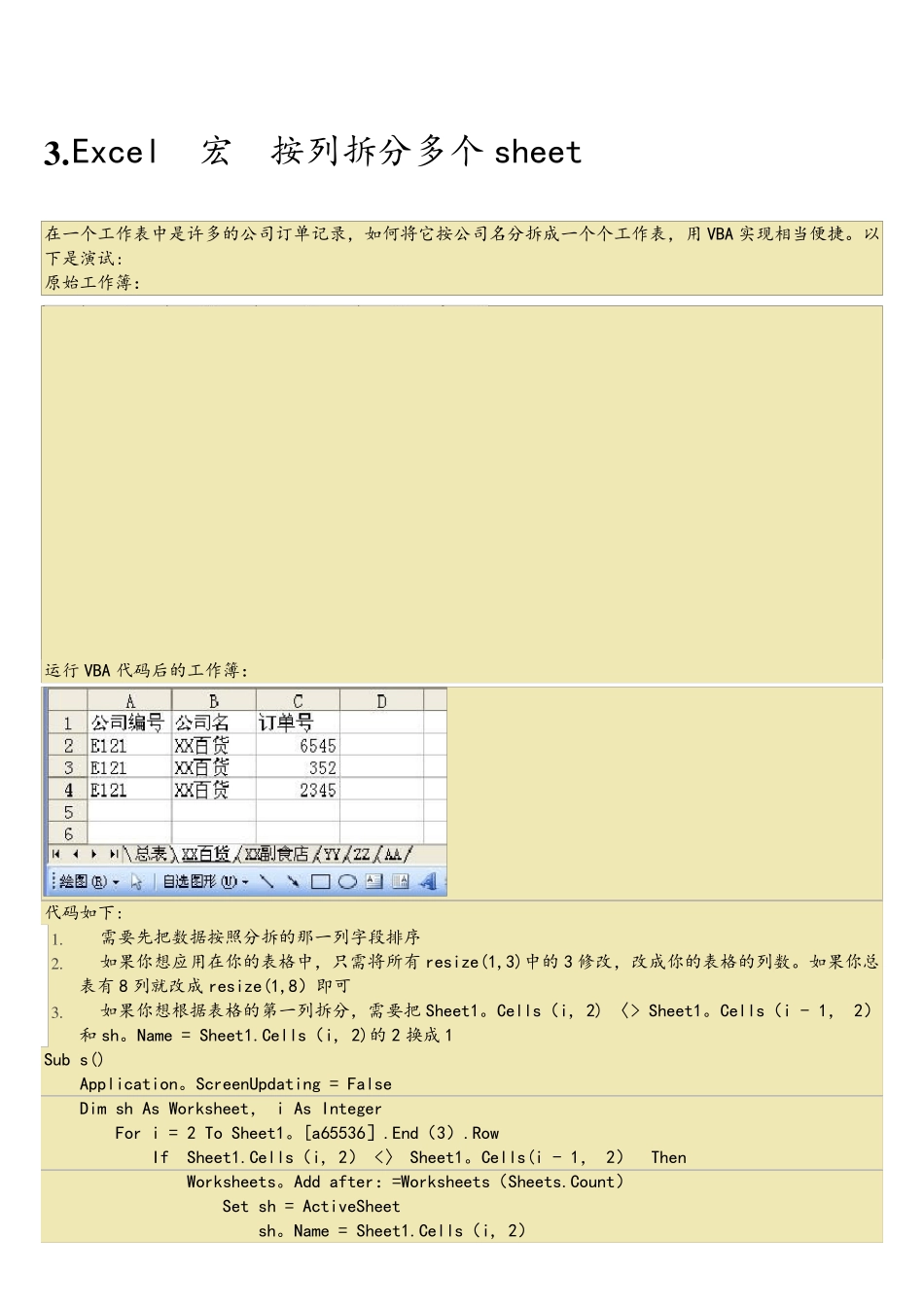
Excel 宏 按列拆分多个excel Sub Macro1() Dim wb As Workbook, arr, rng As Range, d As Object, k, t, sh As Worksheet, i& Set rng = Range("A1:f1") Application
ScreenUpdating = False Application
DisplayAlerts = False arr = Range("a1:a” & Range("b” & Cells
Count)
End(xlUp)
Row) Set d = CreateObject("scripting
dictionary") For i = 2 To UBound(arr) If Not d
Exists(arr(i, 1)) Then Set d(arr(i, 1)) = Cells(i, 1)
Resize(1, 13) Else Set d(arr(i, 1)) = Union(d(arr(i, 1)), Cells(i, 1)
Resize(1, 13)) End If Next k = d
Keys t = d
Items For i = 0 To d
Count - 1 Set wb = Workbooks
Add(xlWBATWorksheet) With wb
Sheets(1) rng
[A1] t(i)