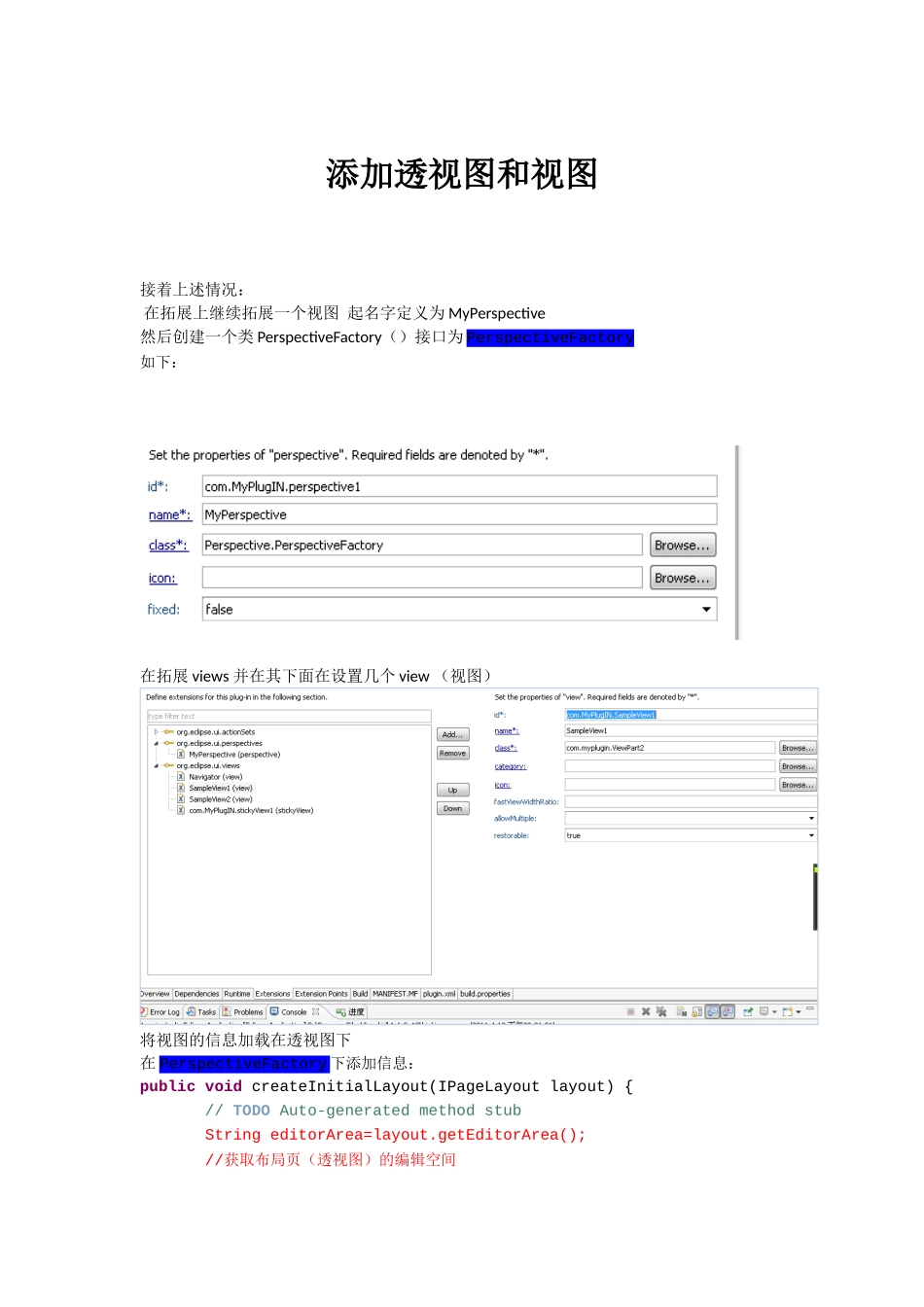
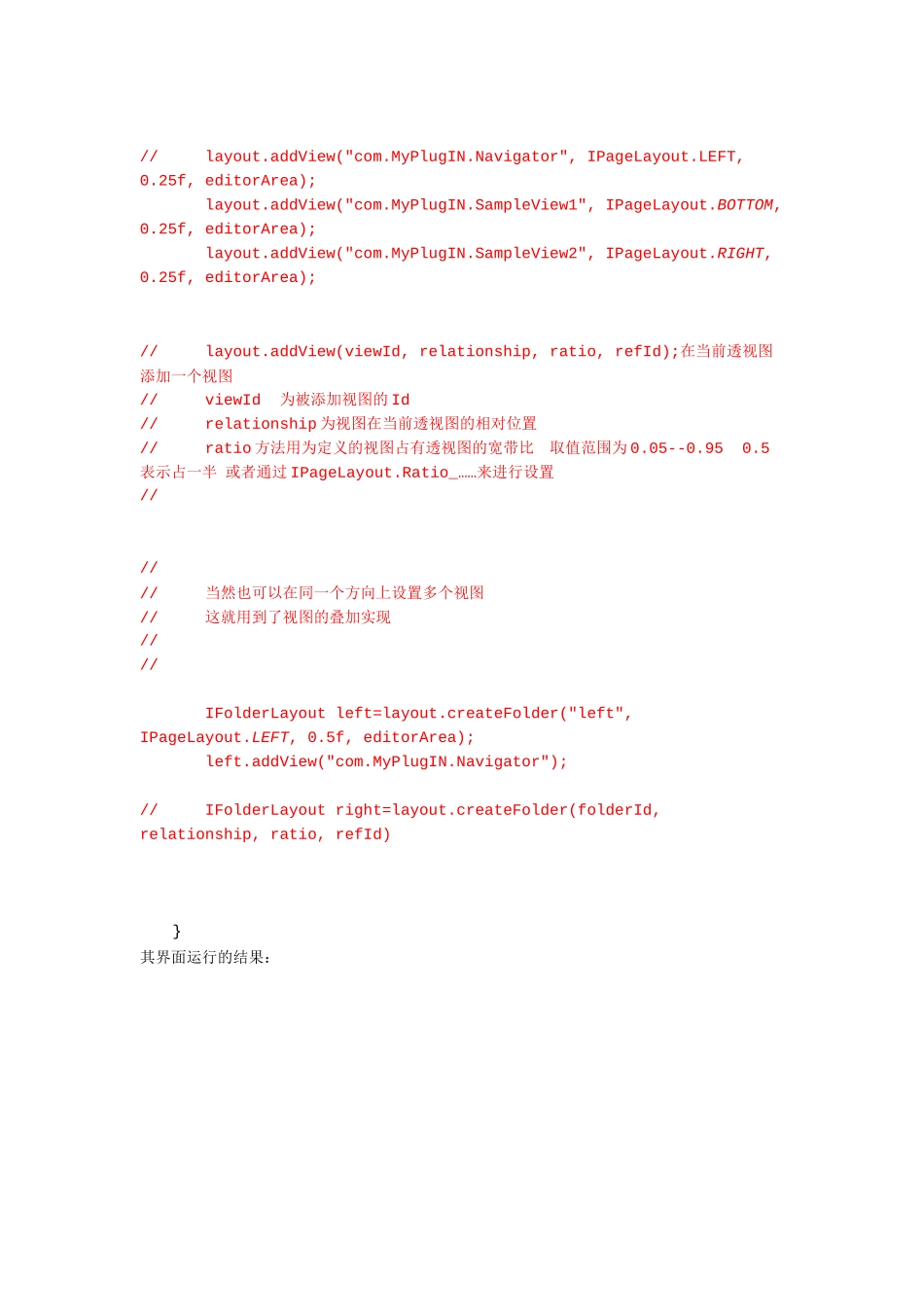
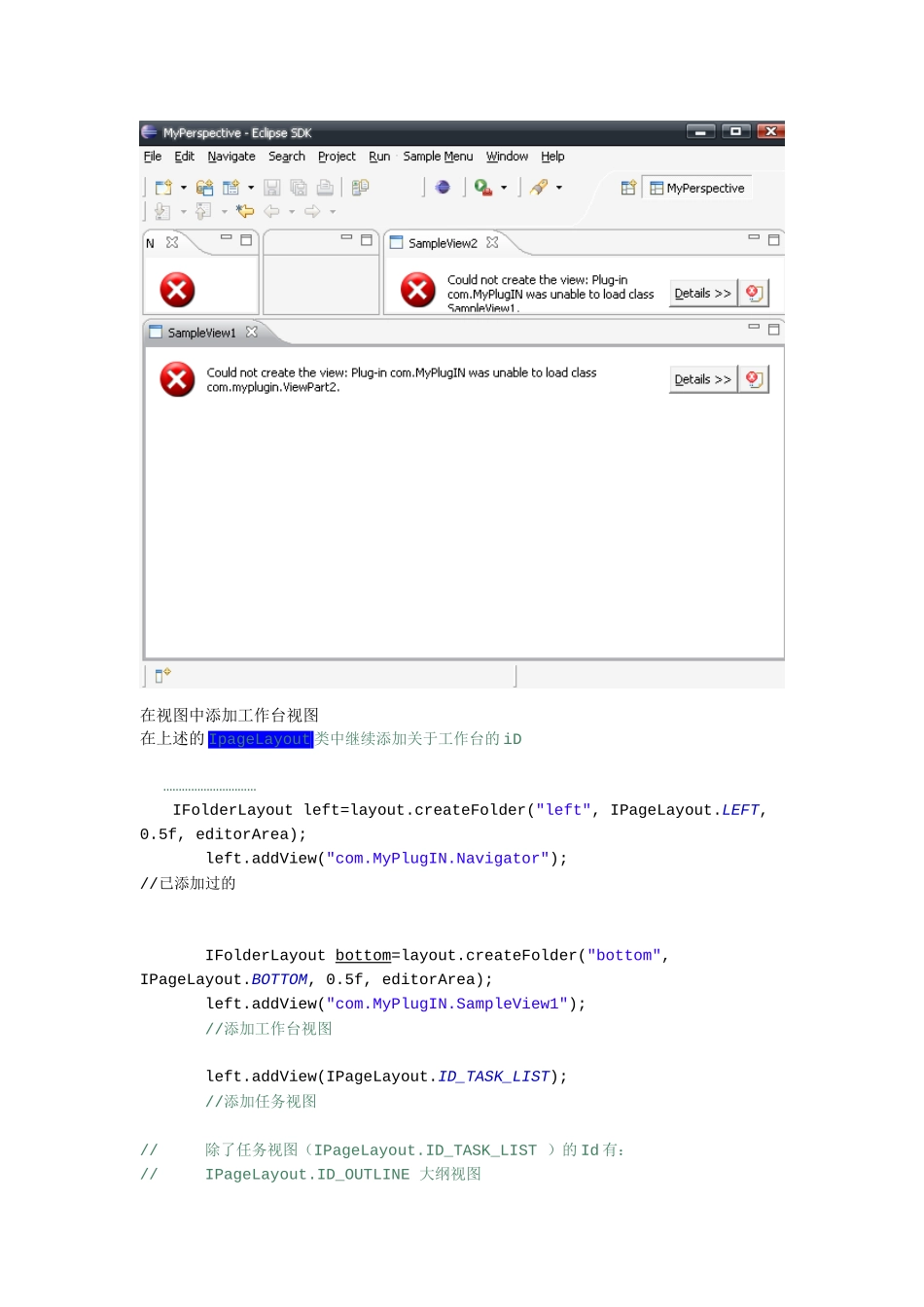
添加透视图和视图接着上述情况:在拓展上继续拓展一个视图起名字定义为MyPerspective然后创建一个类PerspectiveFactory()接口为PerspectiveFactory如下:在拓展views并在其下面在设置几个view(视图)将视图的信息加载在透视图下在PerspectiveFactory下添加信息:publicvoidcreateInitialLayout(IPageLayoutlayout){//TODOAuto-generatedmethodstubStringeditorArea=layout
getEditorArea();//获取布局页(透视图)的编辑空间//layout
addView("com
MyPlugIN
Navigator",IPageLayout
LEFT,0
25f,editorArea);layout
addView("com
MyPlugIN
SampleView1",IPageLayout
BOTTOM,0
25f,editorArea);layout
addView("com
MyPlugIN
SampleView2",IPageLayout
RIGHT,0
25f,editorArea);//layout
addView(viewId,relationship,ratio,refId);在当前透视图添加一个视图//viewId为被添加视图的Id//relationship为视图在当前透视图的相对位置//ratio方法用为定义的视图占有透视图的宽带比取值范围为0
5表示占一半或者通过IPageLayout
Ratio_……来进行设置//////当然也可以在同一个方向上设置多个视图//这就用到了视图的叠加实现////IFolderLayoutleft=layout
createFolder("left