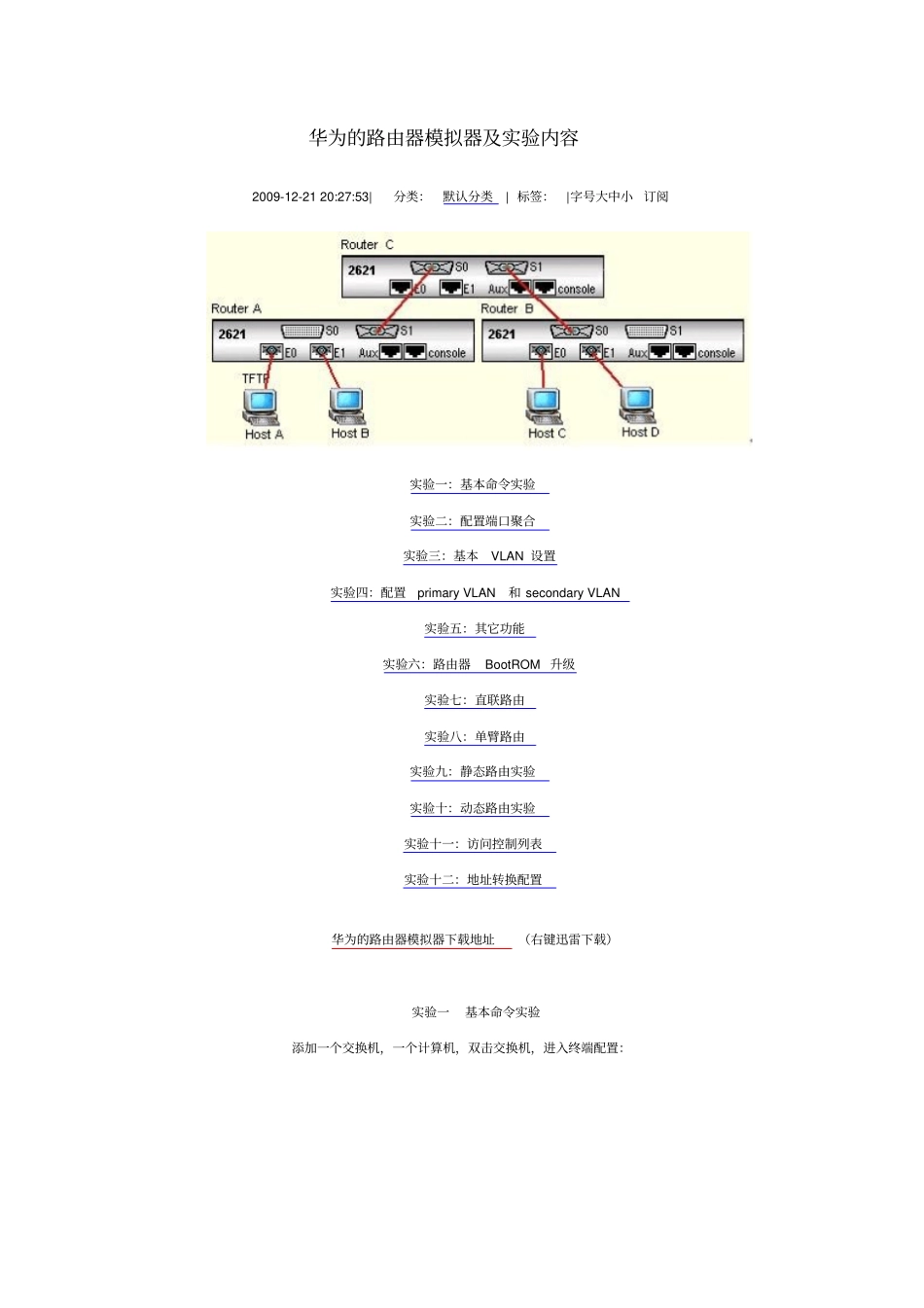
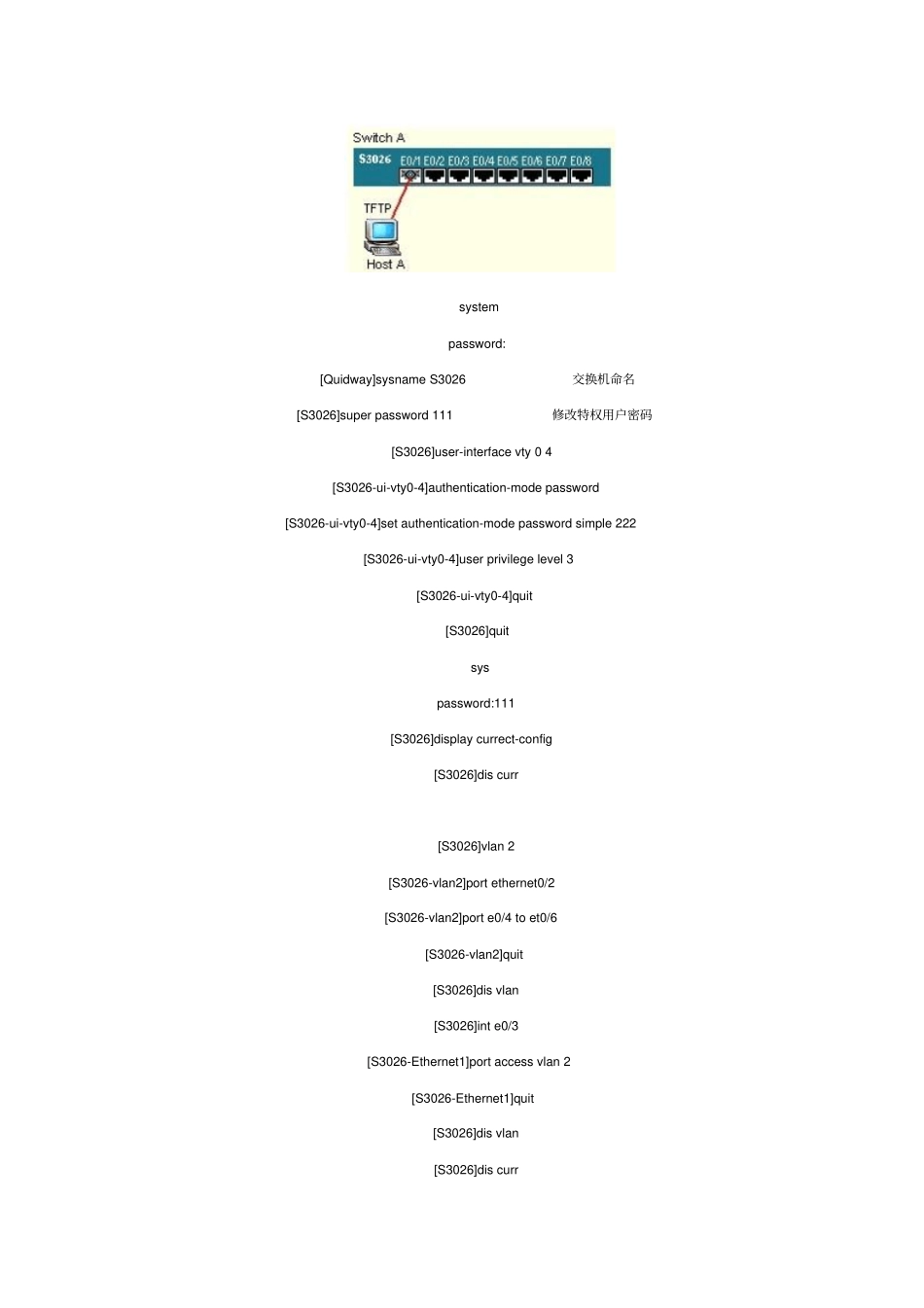
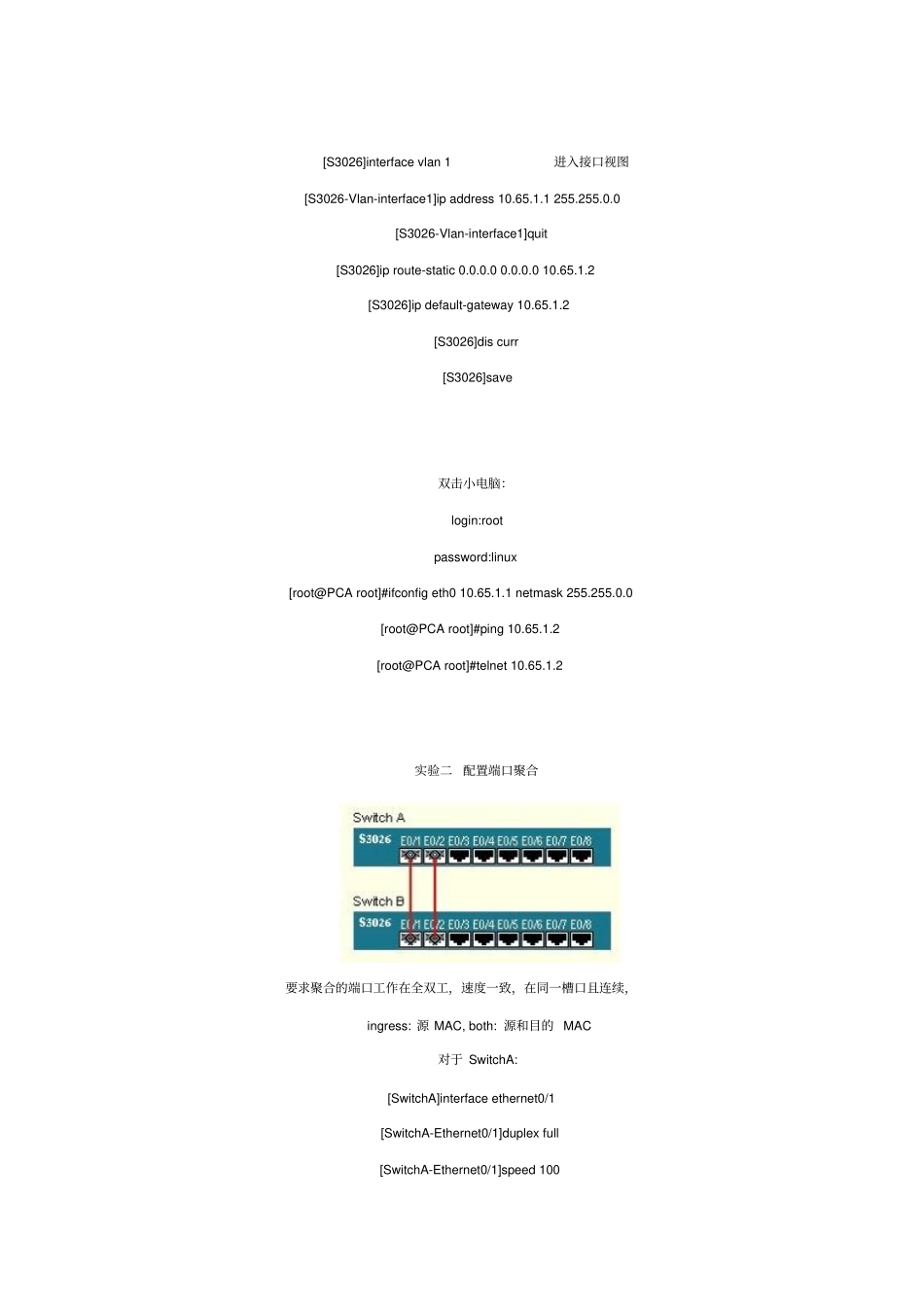
华为的路由器模拟器及实验内容2009-12-2120:27:53|分类:默认分类|标签:|字号大中小订阅实验一:基本命令实验实验二:配置端口聚合实验三:基本VLAN设置实验四:配置primaryVLAN和secondaryVLAN实验五:其它功能实验六:路由器BootROM升级实验七:直联路由实验八:单臂路由实验九:静态路由实验实验十:动态路由实验实验十一:访问控制列表实验十二:地址转换配置华为的路由器模拟器下载地址(右键迅雷下载)实验一基本命令实验添加一个交换机,一个计算机,双击交换机,进入终端配置:systempassword:[Quidway]sysnameS3026交换机命名[S3026]superpassword111修改特权用户密码[S3026]user-interfacevty04[S3026-ui-vty0-4]authentication-modepassword[S3026-ui-vty0-4]setauthentication-modepasswordsimple222[S3026-ui-vty0-4]userprivilegelevel3[S3026-ui-vty0-4]quit[S3026]quitsyspassword:111[S3026]displaycurrect-config[S3026]discurr[S3026]vlan2[S3026-vlan2]portethernet0/2[S3026-vlan2]porte0/4toet0/6[S3026-vlan2]quit[S3026]disvlan[S3026]inte0/3[S3026-Ethernet1]portaccessvlan2[S3026-Ethernet1]quit[S3026]disvlan[S3026]discurr[S3026]interfacevlan1进入接口视图[S