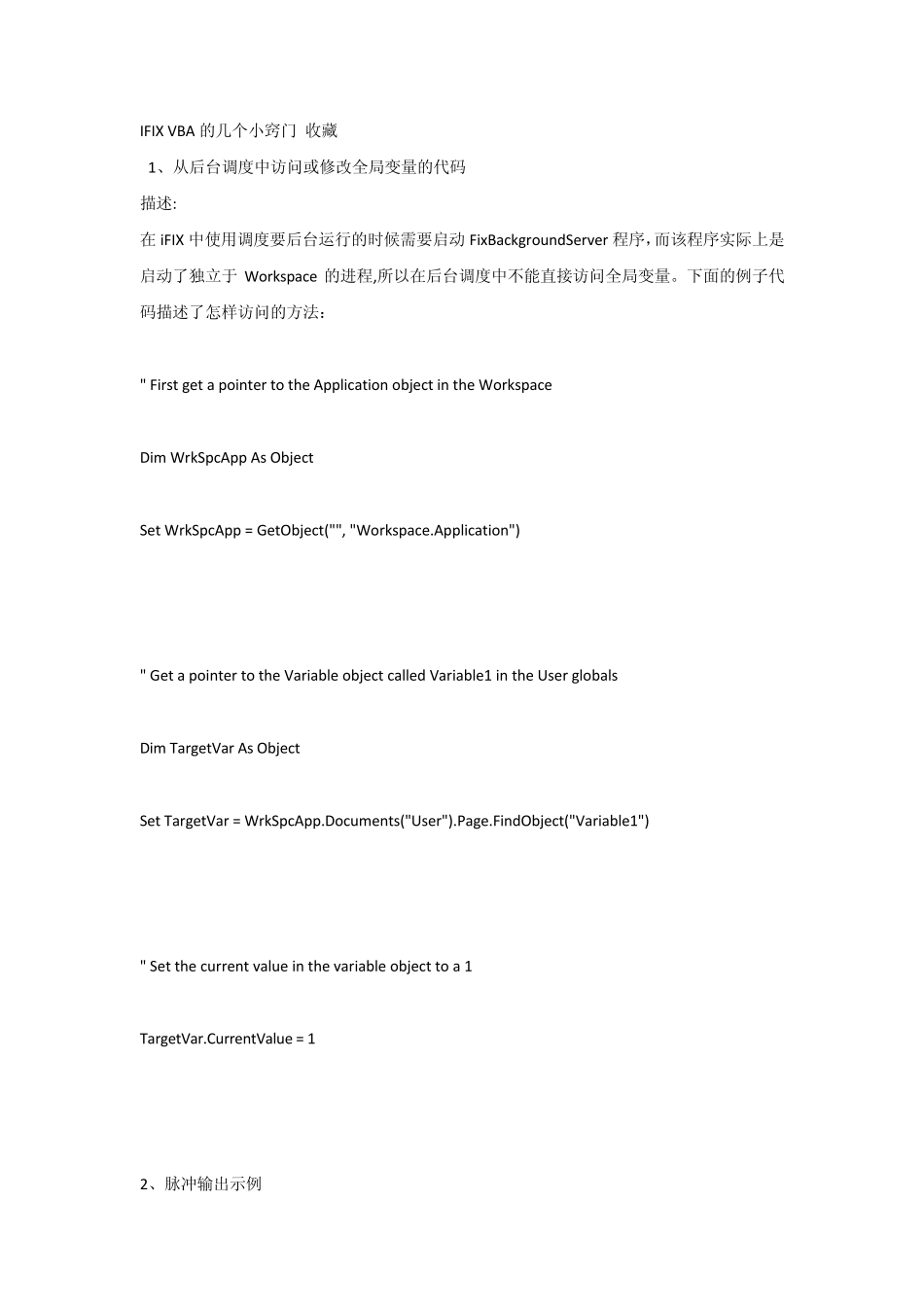
IFIX VBA 的几个小窍门 收藏 1、从后台调度中访问或修改全局变量的代码 描述: 在 iFIX 中使用调度要后台运行的时候需要启动 FixBackgroundServer 程序,而该程序实际上是启动了独立于 Workspace 的进程,所以在后台调度中不能直接访问全局变量
下面的例子代码描述了怎样访问的方法: " First get a pointer to the Application object in the Workspace Dim WrkSpcApp As Object Set WrkSpcApp = GetObject("", "Workspace
Application") " Get a pointer to the Variable object called Variable1 in the User globals Dim TargetVar As Object Set TargetVar = WrkSpcApp
Documents("User")
FindObject("Variable1") " Set the current value in the variable object to a 1 TargetVar
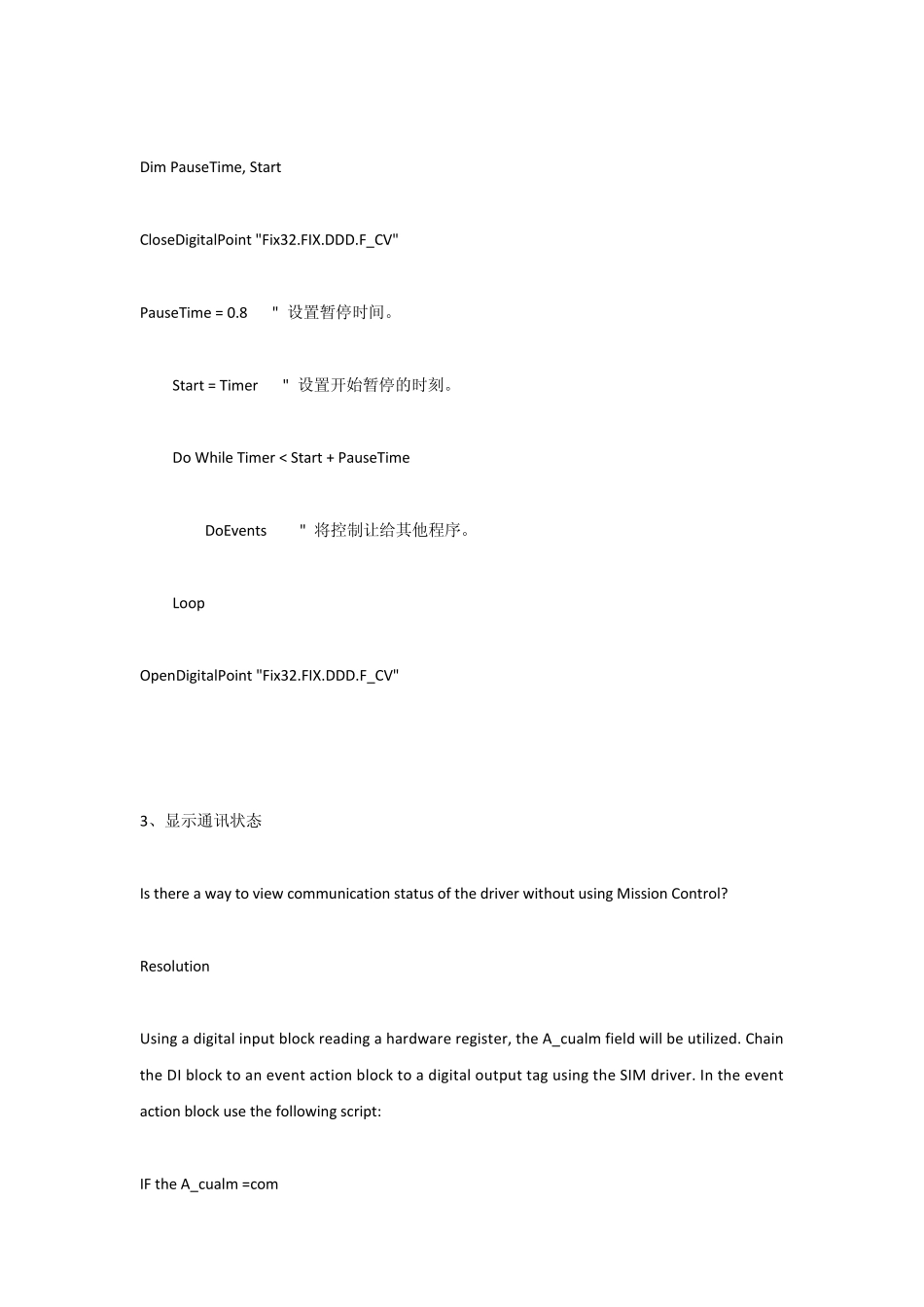
CurrentValue = 1 2、脉冲输出示例 Dim PauseTime, Start CloseDigitalPoint "Fix32
F_CV" PauseTime = 0
8 " 设置暂停时间
Start = Timer " 设置开始暂停的时刻
Do While Timer < Start + PauseTime DoEvents " 将控制让给其他程序
Loop OpenDigitalPoint "Fix32
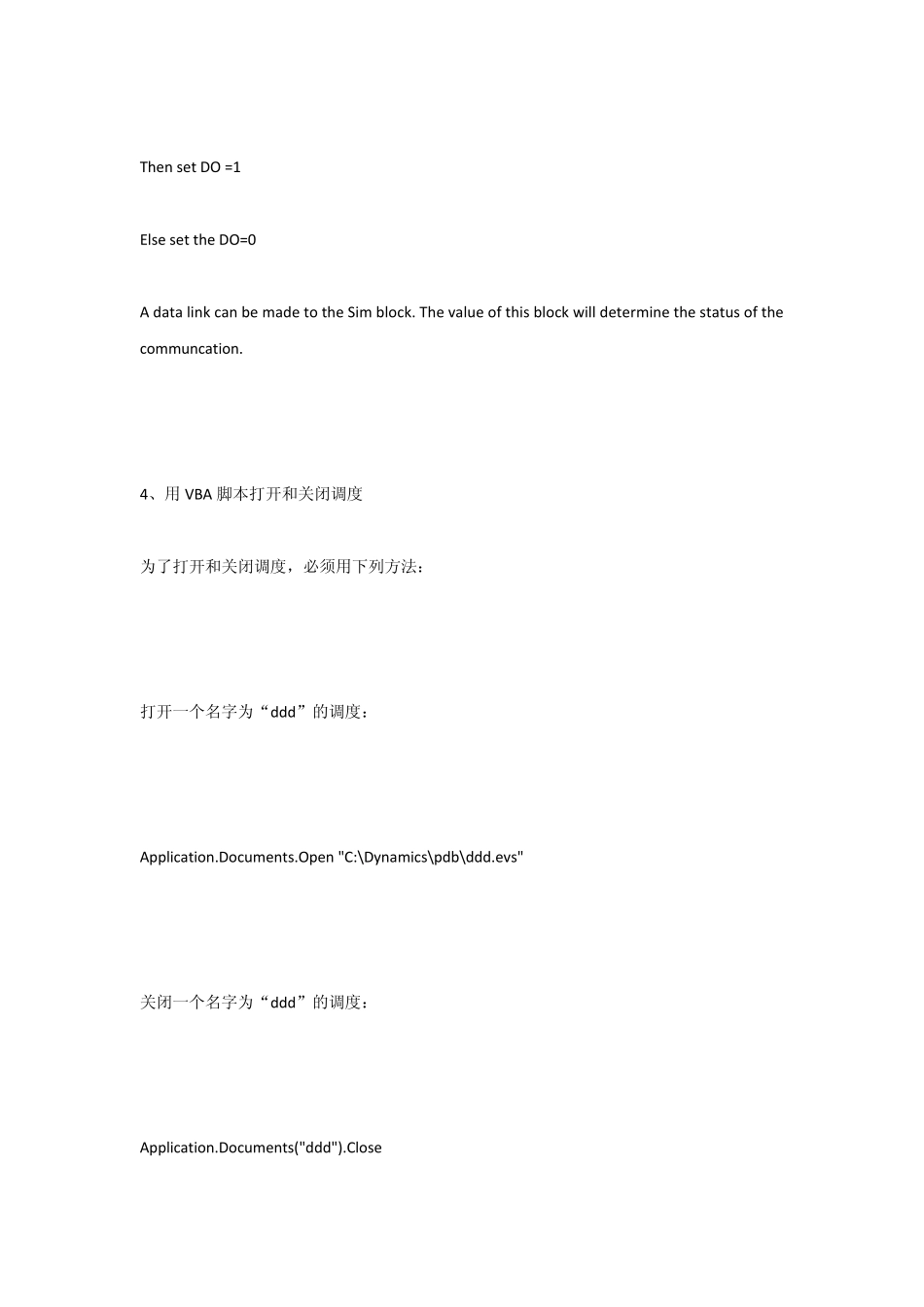
F_CV" 3、显示通讯状态 Is there a w