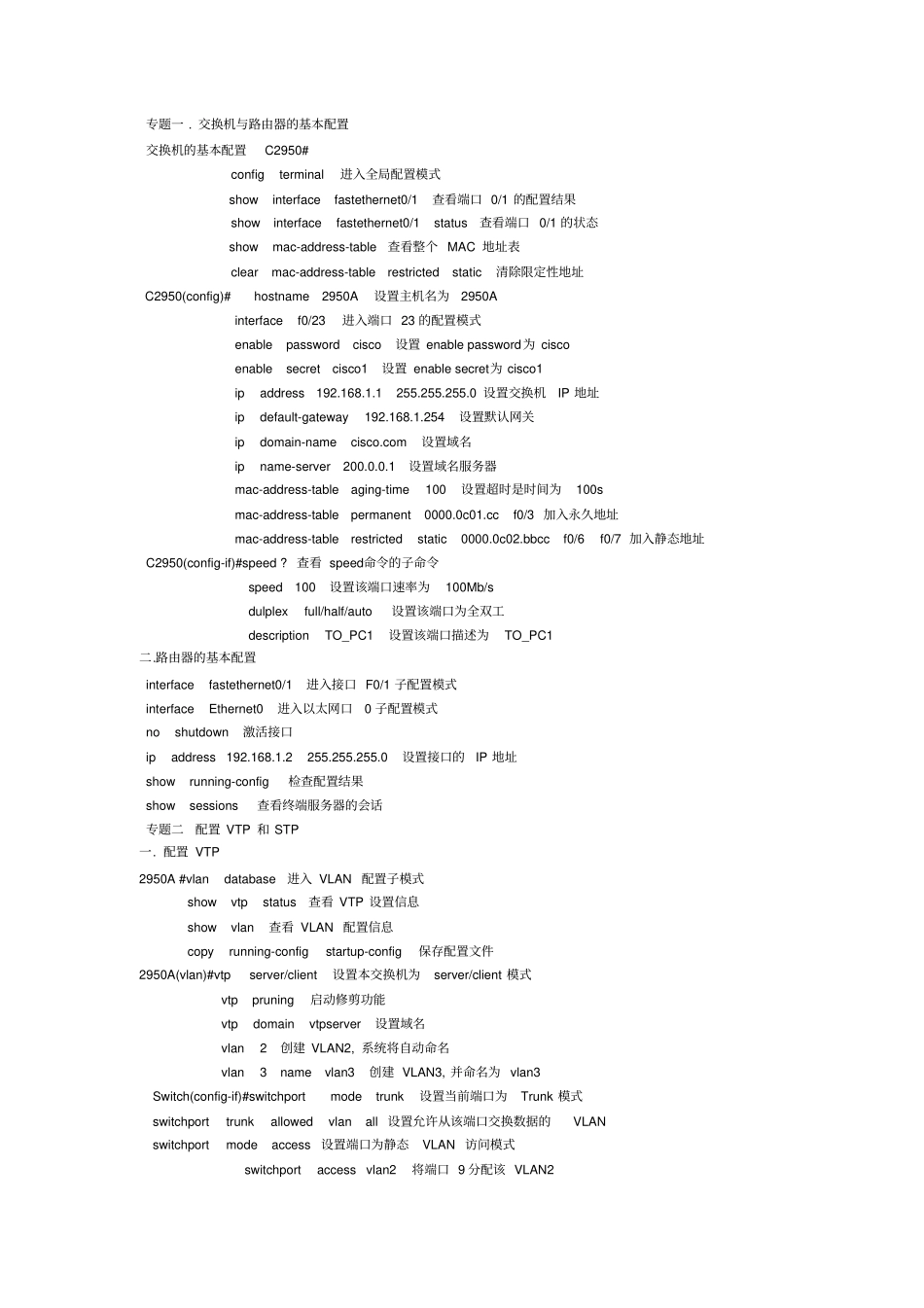
交换机与路由器的基本配置交换机的基本配置C2950#configterminal进入全局配置模式showinterfacefastethernet0/1查看端口0/1的配置结果showinterfacefastethernet0/1status查看端口0/1的状态showmac-address-table查看整个MAC地址表clearmac-address-tablerestrictedstatic清除限定性地址C2950(config)#hostname2950A设置主机名为2950Ainterfacef0/23进入端口23的配置模式enablepasswordcisco设置enablepassword为ciscoenablesecretcisco1设置enablesecret为cisco1ipaddress192
0设置交换机IP地址ipdefault-gateway192
254设置默认网关ipdomain-namecisco
com设置域名ipname-server200
1设置域名服务器mac-address-tableaging-time100设置超时是时间为100smac-address-tablepermanent0000
ccf0/3加入永久地址mac-address-tablerestrictedstatic0000
bbccf0/6f0/7加入静态地址C2950(config-if)#speed
查看speed命令的子命令speed100设置该端口速率为100Mb/sdulplexfull/half/auto设置该端口为全双工descriptionTO_PC1设置该端口描述为TO_PC1二
路由器的基本配置interfacefastethernet0/1进入接口F0/