⊙在 matlab 中 clear,clc,clf,hold 作用介绍 clear是清变量, clc只清屏, clf清除图形窗口上的旧图形, hold on是为了显示多幅图像时,防止新的窗口替代旧的窗口
①format:设置输出格式 对浮点性变量,缺省为 format short
format 并不影响 matlab 如何计算和存储变量的值
对浮点型变量的计算,即单精度或双精度,按合适的浮点精度进行,而不论变量是如何显示的
对整型变量采用整型数据
整型变量总是根据不同的类(class)以合适的数据位显示,例如,3 位数字显示显示 int8 范围 -128:127
format short, long 不影响整型变量的显示
format long 显示 15 位双精度,7 为单精度(scaled fixed point) format short 显示 5 位(scaled fixed point format with 5 digits) format short eng 至少 5 位加 3 位指数 format long eng 16 位加至少 3 位指数 format hex 十六进制 format bank 2 个十进制位 format + 正、负或零 format rat 有理数近似 format short 缺省显示 format long g 对双精度,显示 15 位定点或浮点格式,对单精度,显示 7 位定点或浮点格式
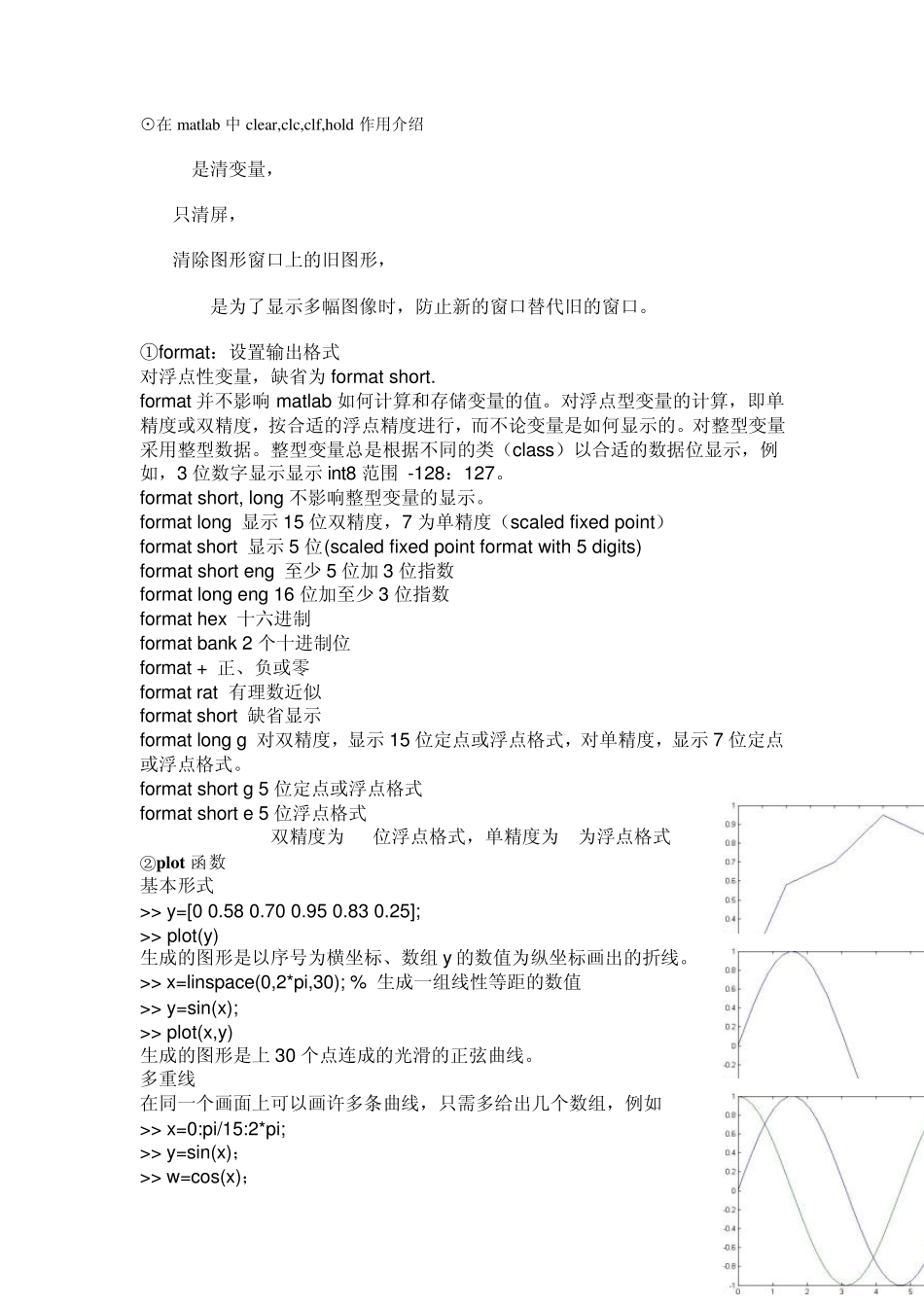
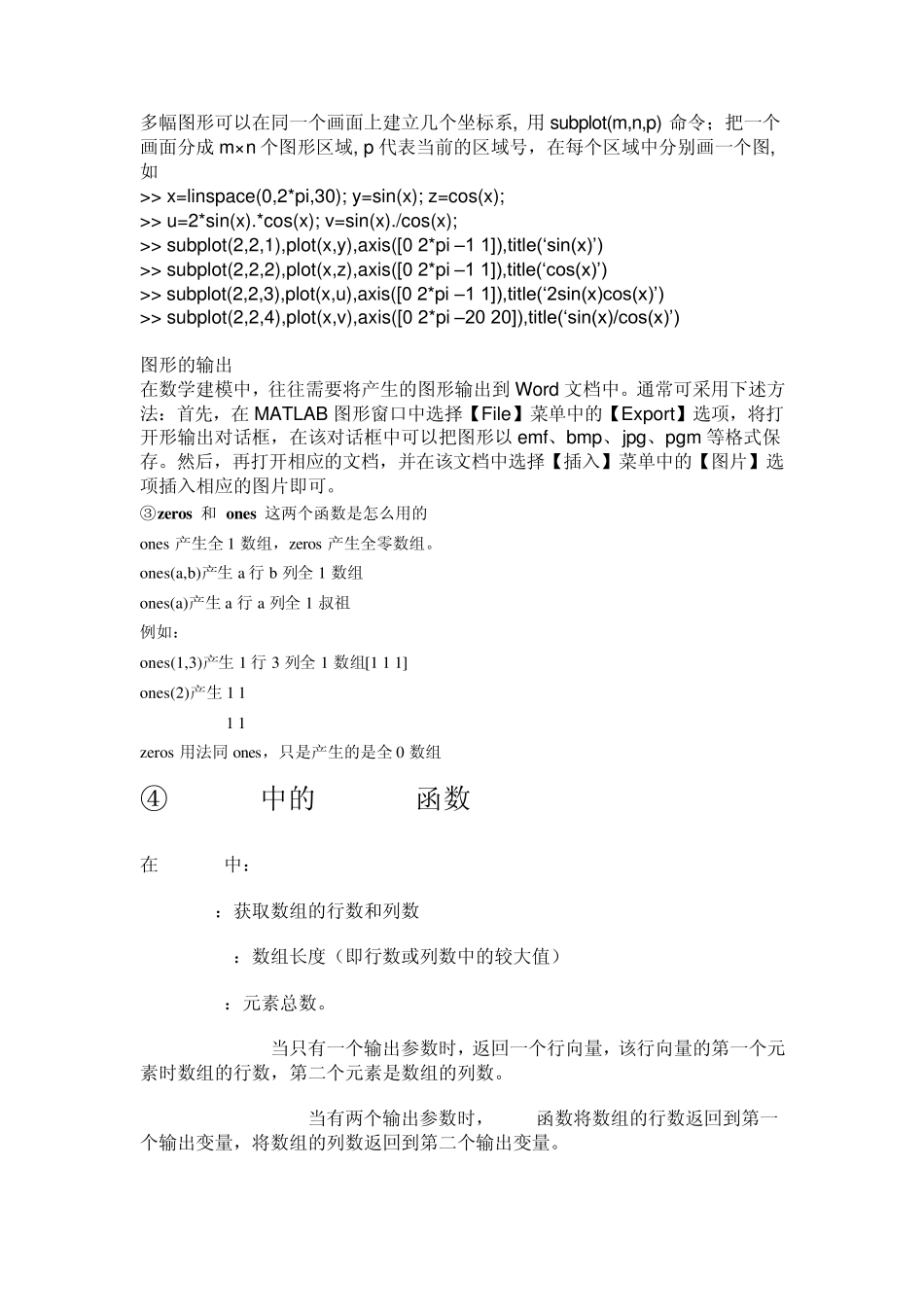
format short g 5 位定点或浮点格式 format short e 5 位浮点格式 format long e 双精度为 15位浮点格式,单精度为 7为浮点格式 ②plot函数 基本形式 >> y=[0 0
25]; >> plot(y) 生成的图形是以序号为横坐标、数组 y的数值为